WHOIS Lookup and Privacy: What Your Domain Shows Publicly
Checked on 12 October 2026 using public RDAP lookups (RDAP is the newer, structured replacement for WHOIS) for well-known domains. What is shown varies by registry and registrar.
A WHOIS or RDAP lookup shows public information about a domain: who registered it (sometimes), which registrar manages it, when it expires and which nameservers it uses. Here is what is visible, and what WHOIS privacy does and doesn’t hide.
What a lookup shows
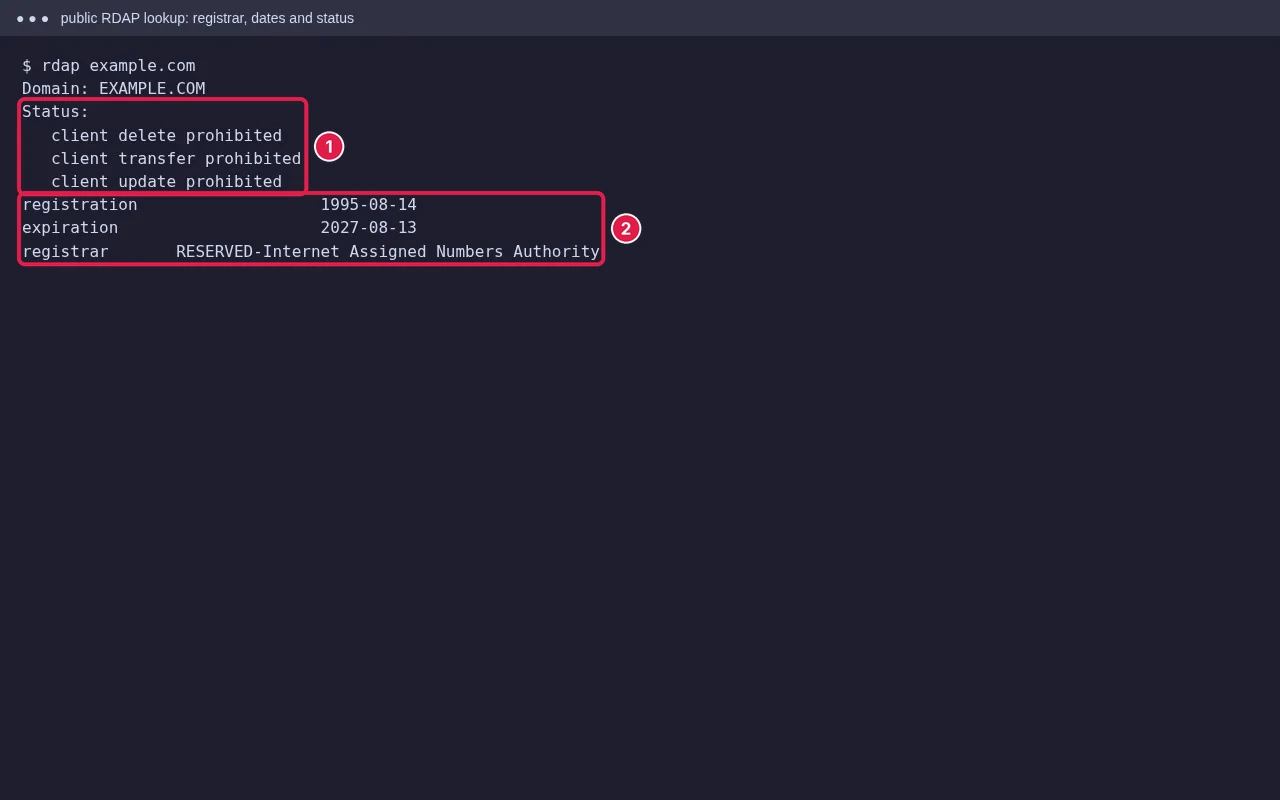
- Registrar: the company that manages the domain.
- Dates: registration, expiry and last change. Useful before a transfer or purchase.
- Status codes: for example
client transfer prohibited(transfer lock on) orpending delete. - Nameservers: where the domain’s DNS is hosted.
- Contacts: registrant, admin and technical contacts, which may be shown, redacted or replaced by a privacy service.
Redacted vs privacy service
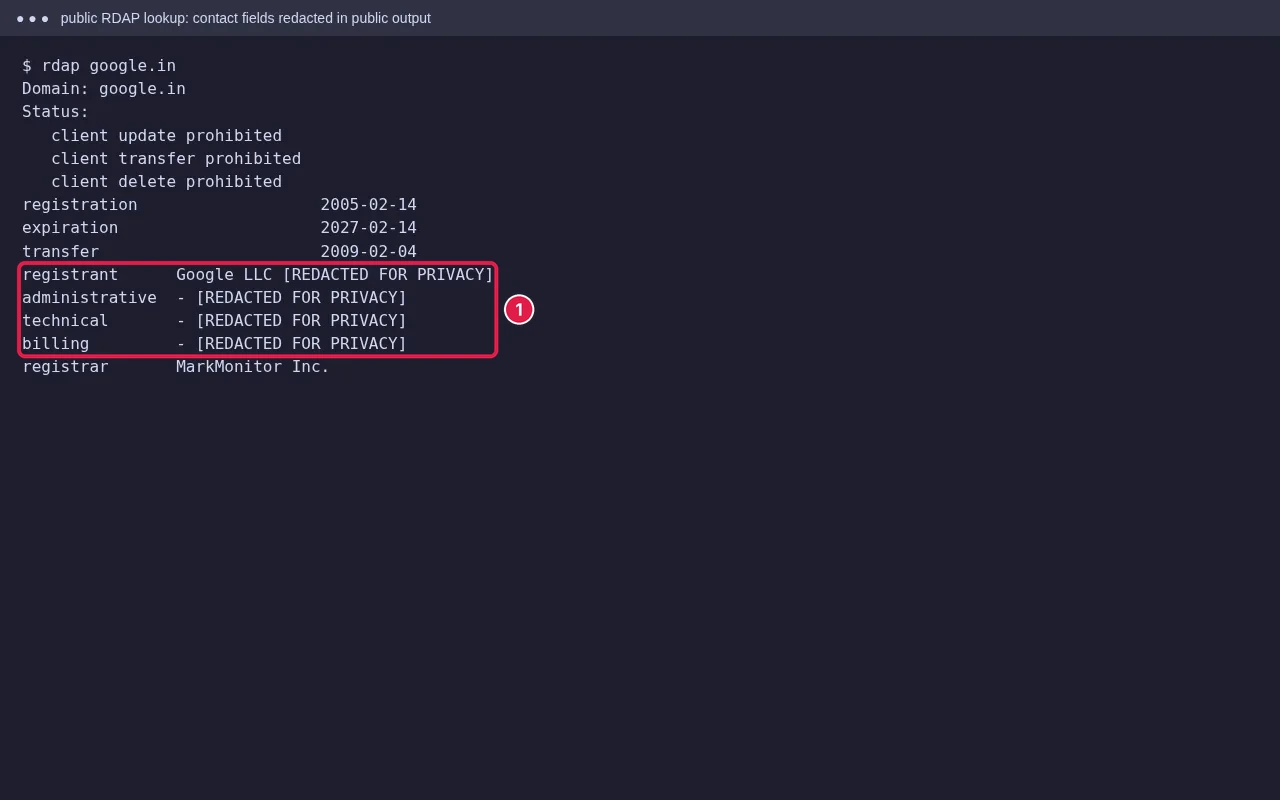
Since data protection rules such as the EU’s GDPR, many registries and registrars hide personal contact fields in public lookups by default, often marked REDACTED FOR PRIVACY. A privacy service (also called WHOIS privacy or ID protection) goes further: the registrar’s proxy details replace yours, and messages are forwarded to you. In both cases the registrar still holds your real details.
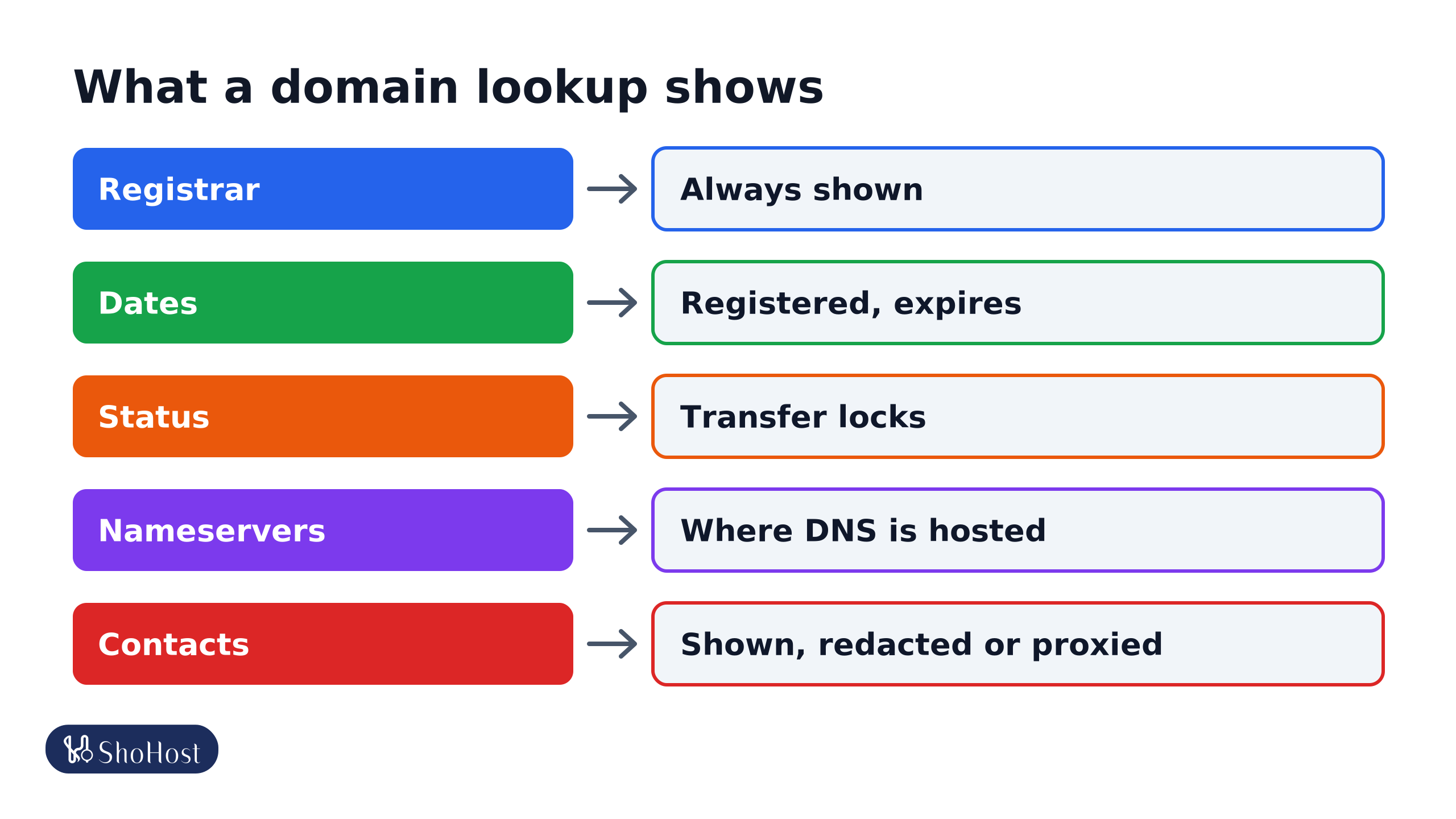
- Registrar: always shown.
- Dates: registered, expires and last changed.
- Status: locks such as client transfer prohibited.
- Nameservers: where DNS is hosted.
- Contacts: shown, redacted, or replaced by a privacy service, depending on the TLD and registrar.
Can you use privacy on every domain?
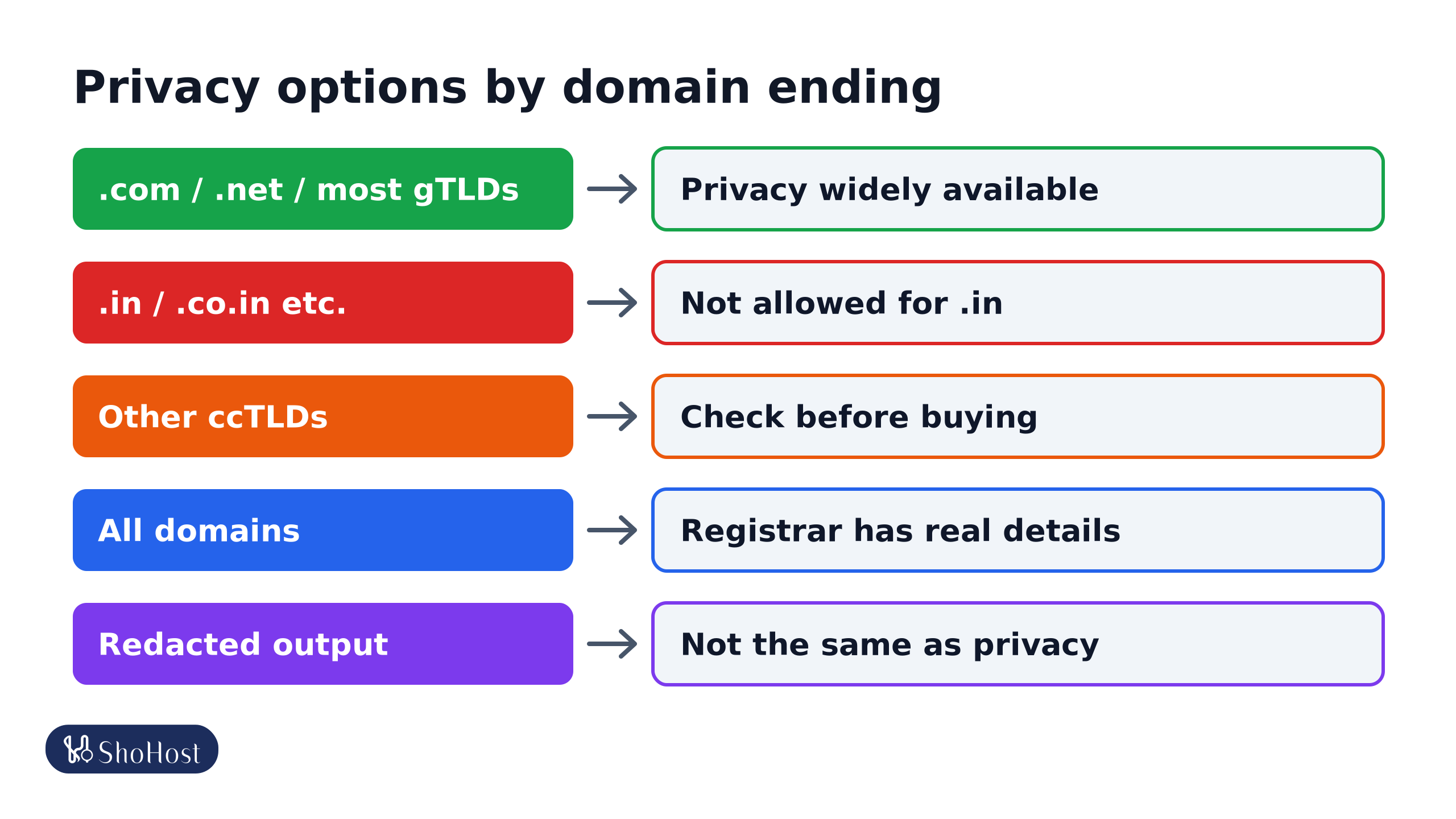
- .com, .net and most gTLDs: privacy services are widely offered, sometimes free.
- .in and its zones: no. The .IN Registry doesn’t allow privacy or proxy services, and requires accurate registrant details. See our .in domain rules guide.
- Other country domains: rules vary by registry. Check before you buy.
How to look up a domain
Use your registrar’s WHOIS tool, ICANN’s lookup at lookup.icann.org for gTLDs, or the registry’s lookup for country domains (registry.in for .in). On a computer, whois example.in works where the whois tool is installed.
Tips
- Keep your registrant email working even with privacy on: transfer and renewal emails still go to it.
- Expect spam after registering a new domain; offers of ‘SEO’ or ‘domain listing’ are not from your registrar.
- Ignore letters or emails demanding renewal from a company you don’t know. Renew only through your own registrar.
FAQ
Does WHOIS privacy affect SEO or email delivery?
No. It only changes what the public lookup shows.
Can someone find the owner of a domain with privacy on?
Not from the public lookup. Law enforcement and legal processes can request the details from the registrar.
Why does my .in domain show my details publicly?
Privacy services aren’t allowed for .in. Some fields may be redacted in public output, but use contact details you are comfortable sharing.
Want to know what your domain shows to the world? If it’s with ShoHost, WhatsApp +91 94880 91432 and we’ll check its public details with you.