Laravel 500 Error After Upload: Permissions, APP_KEY, Cache
Tested on 12 October 2026 in a ShoHost sandbox: Laravel 13.35 on PHP 8.4 with MariaDB 11.8, in a cPanel-style folder layout. We caused each error on purpose and fixed it. File permission errors couldn’t be reproduced reliably in the sandbox, so they are described from Laravel’s documented requirements rather than shown.
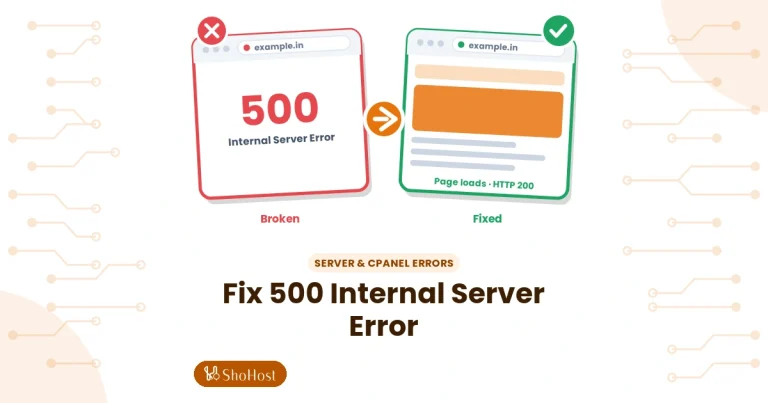
A Laravel site that shows a blank 500 Server Error after upload is almost always telling you the reason in its log. With APP_DEBUG=false (as it should be on a live site), the browser shows nothing useful, so start with the log.
Step 1: Read the log
Open storage/logs/laravel.log in File Manager and scroll to the end. If that file is empty or missing, check the error_log file in public_html or cPanel’s Metrics → Errors: that means PHP failed before Laravel could log anything (wrong PHP version, missing vendor, or storage not writable).
Cause 1: Missing APP_KEY
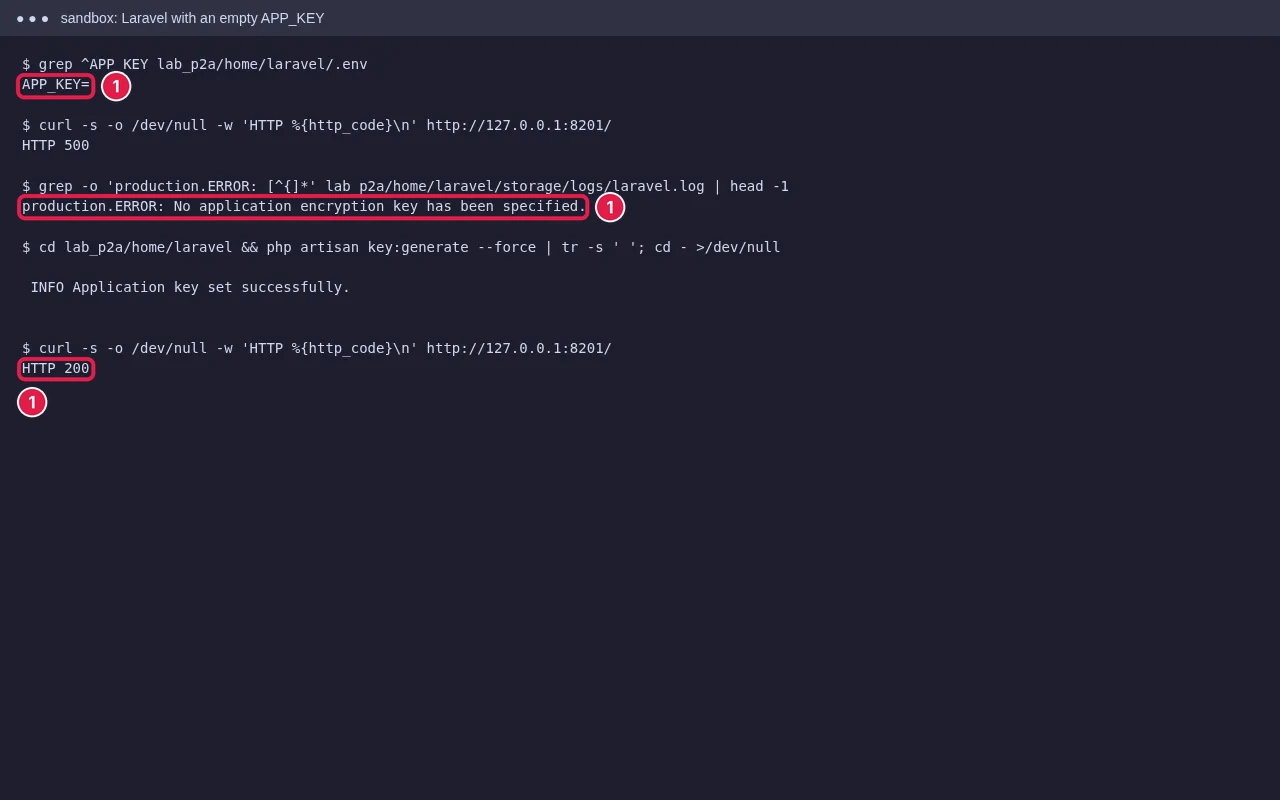
If the log says No application encryption key has been specified, run php artisan key:generate in Terminal from the app folder, or copy the key from your local .env. Don’t change the key on a live site that already has users: it logs everyone out and breaks encrypted data.
Cause 2: storage and bootstrap/cache not writable
Laravel writes logs, sessions and compiled views to storage/ and bootstrap/cache/. On cPanel, folders should be 755 and files 644, owned by your cPanel user. Don’t use 777: many servers refuse to run PHP from world-writable folders, which itself causes 500 errors. Also check that the storage/framework/ subfolders (cache, sessions, views) exist; they are often missed when uploading through Git or a zip that skips empty folders.
Cause 3: Old cached config
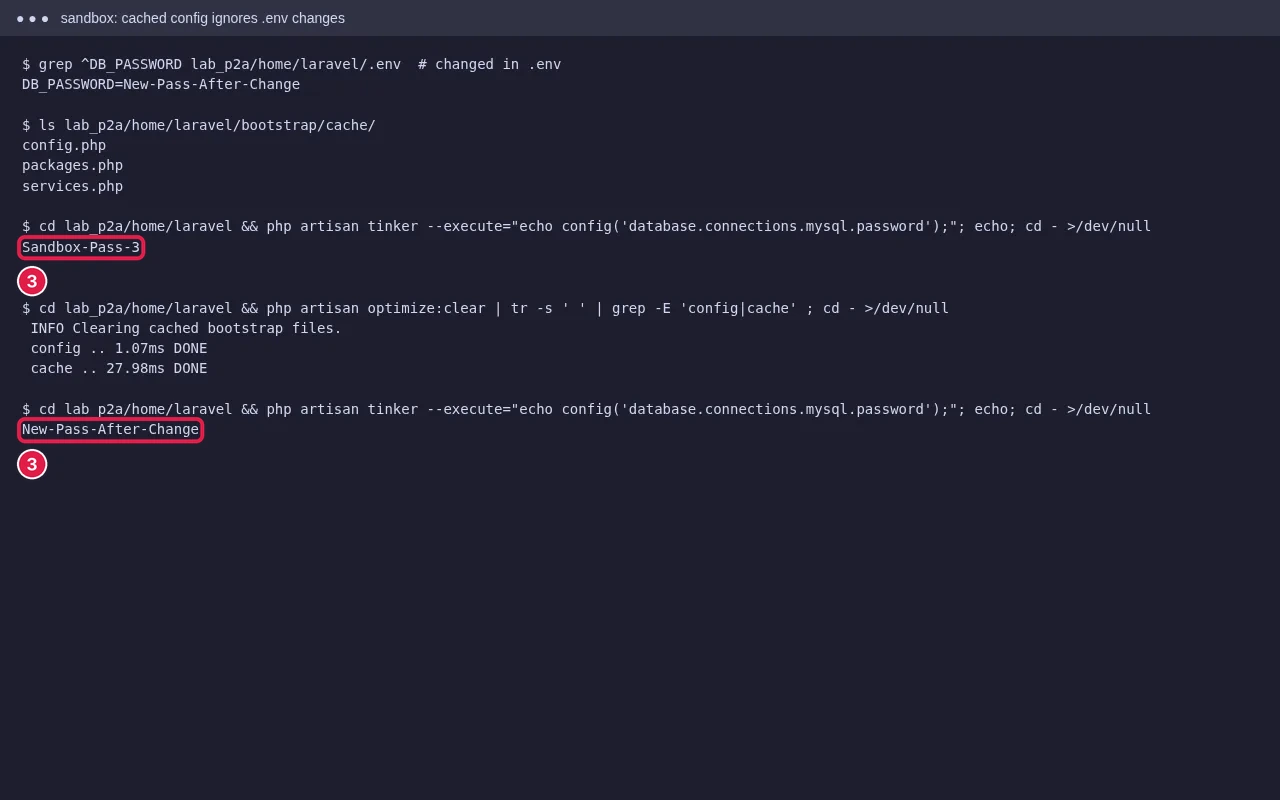
If you ran config:cache (or optimize) locally and uploaded bootstrap/cache/config.php, the server uses your local settings and ignores its .env. Delete the files in bootstrap/cache/ except .gitignore, or run php artisan optimize:clear.
Other causes
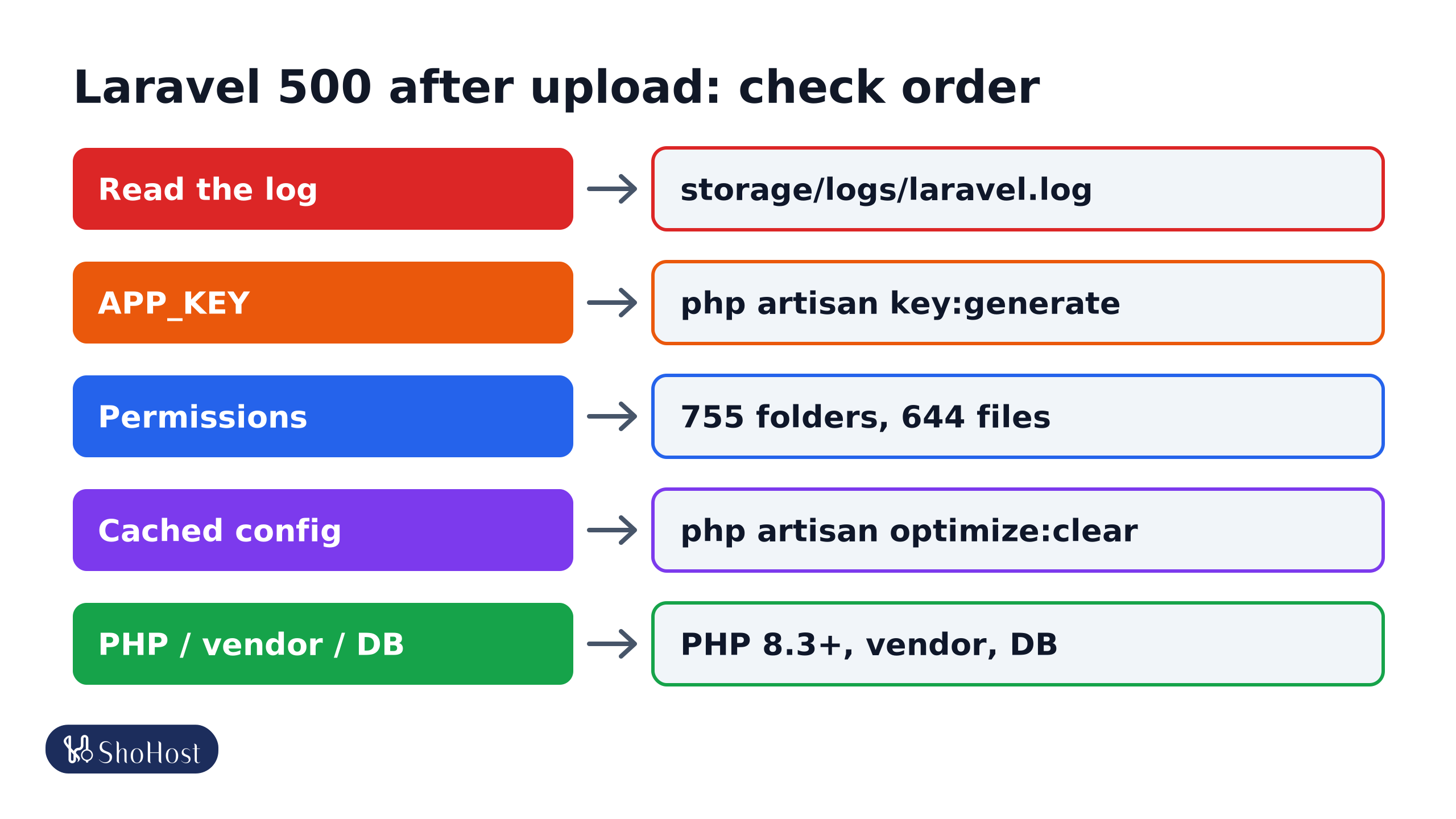
- Read the log:
storage/logs/laravel.log; if it’s empty,public_html/error_logor Metrics → Errors. - APP_KEY: an empty key gives No application encryption key. Run
php artisan key:generate. - Permissions:
storage/andbootstrap/cachemust be writable, with 755 folders and 644 files. Not 777. - Cached config: delete
bootstrap/cache/*.phpor runphp artisan optimize:clear. - PHP, vendor and database: PHP 8.3+ for Laravel 13,
vendorpresent, and database details with the cPanel prefix.
- PHP version too old: a parse error or ‘Composer detected issues in your platform’ means the site’s PHP is older than the app needs. Laravel 13 needs PHP 8.3+. Check the web PHP version in MultiPHP Manager, not just the Terminal one.
- vendor missing or built for another PHP version: run
composer install --no-devon the server, or uploadvendorbuilt with the same PHP version. - Database details wrong: SQLSTATE[HY000] [1045] Access denied means the user or password in
.envis wrong. cPanel database names and users include your account prefix. - Missing PHP extension: ‘Call to undefined function’ or ‘Class not found’ for something like
mb_orintl. Turn the extension on in Select PHP Version.
FAQ
Should I turn APP_DEBUG on to see the error?
Only briefly, and only if you can’t read the log. Debug pages show environment values including passwords. Turn it off again straight away.
Why does the 500 page come from the server and not Laravel?
PHP failed before Laravel started, for example a wrong PHP version or missing vendor folder. Check the server error log, not laravel.log.
I changed .env and nothing happened. Why?
Config is cached. Run php artisan optimize:clear, or delete bootstrap/cache/config.php.
Still getting a blank 500 from Laravel? ShoHost customers can WhatsApp +91 94880 91432; we’ll read the log and fix the cause with you.