“Deceptive Site Ahead” Warning on Your WordPress Site? How to Clean Up and Request Review
Tested in the ShoHost fix lab on 12 October 2026: WordPress 7.1.3, PHP 8.4, Apache with MariaDB 11.8. The screenshots come from that lab, not from a customer site.
Safety note: Every “attack” in this guide was a harmless marker (text strings and example.com links) planted on a throwaway local WordPress install. Nothing here is real malware. Don’t experiment on your live site. We didn’t try to get any site flagged by Google.
A red full-screen “Deceptive site ahead” warning means Google Safe Browsing found phishing or social engineering content on your site, usually fake login pages that hackers upload into a hidden folder. Traffic and sales drop overnight, so act quickly but do it properly.
To see what visitors see, open Google’s official test page in normal desktop Chrome. Its sample links trigger the real warning without risk.
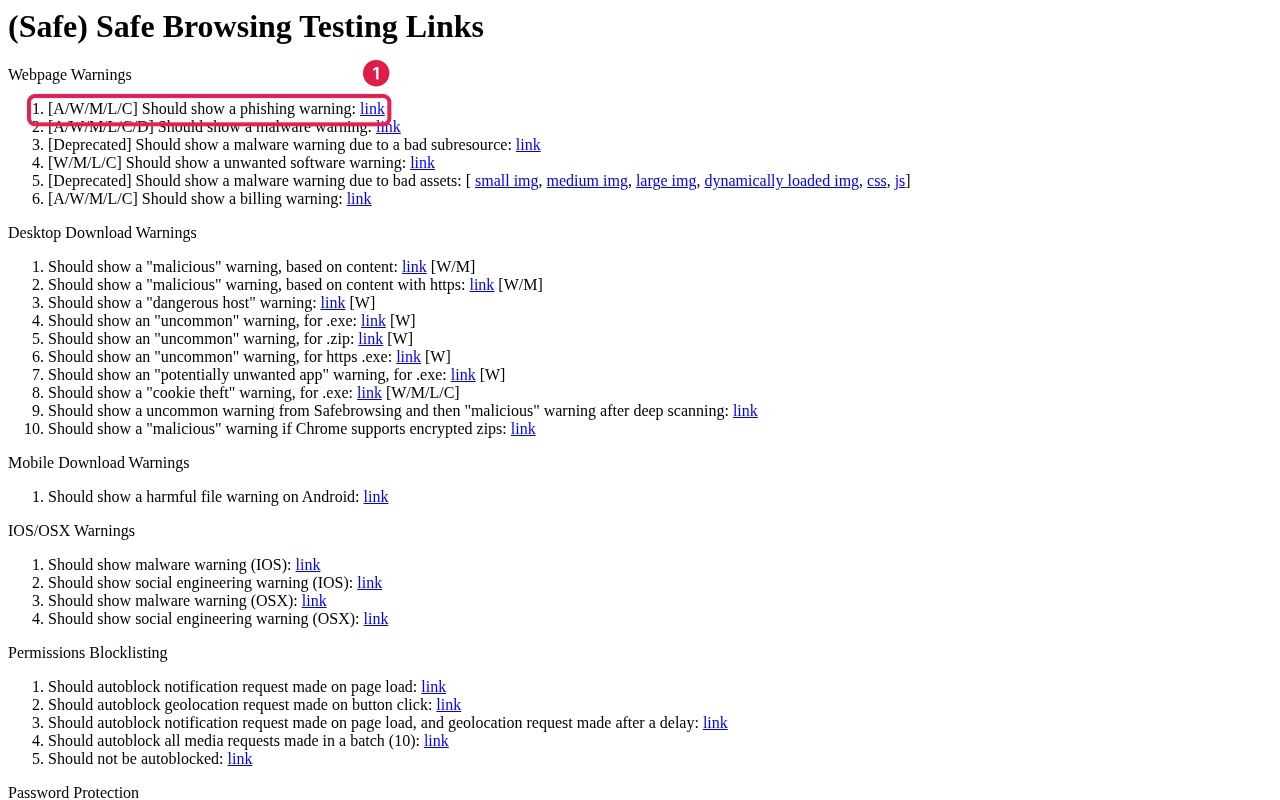
Step 1: Confirm the status
- Search Console → Security & Manual Actions → Security issues lists the problem type and sample URLs.
- Check public status at
https://transparencyreport.google.com/safe-browsing/search?url=yoursite.in.
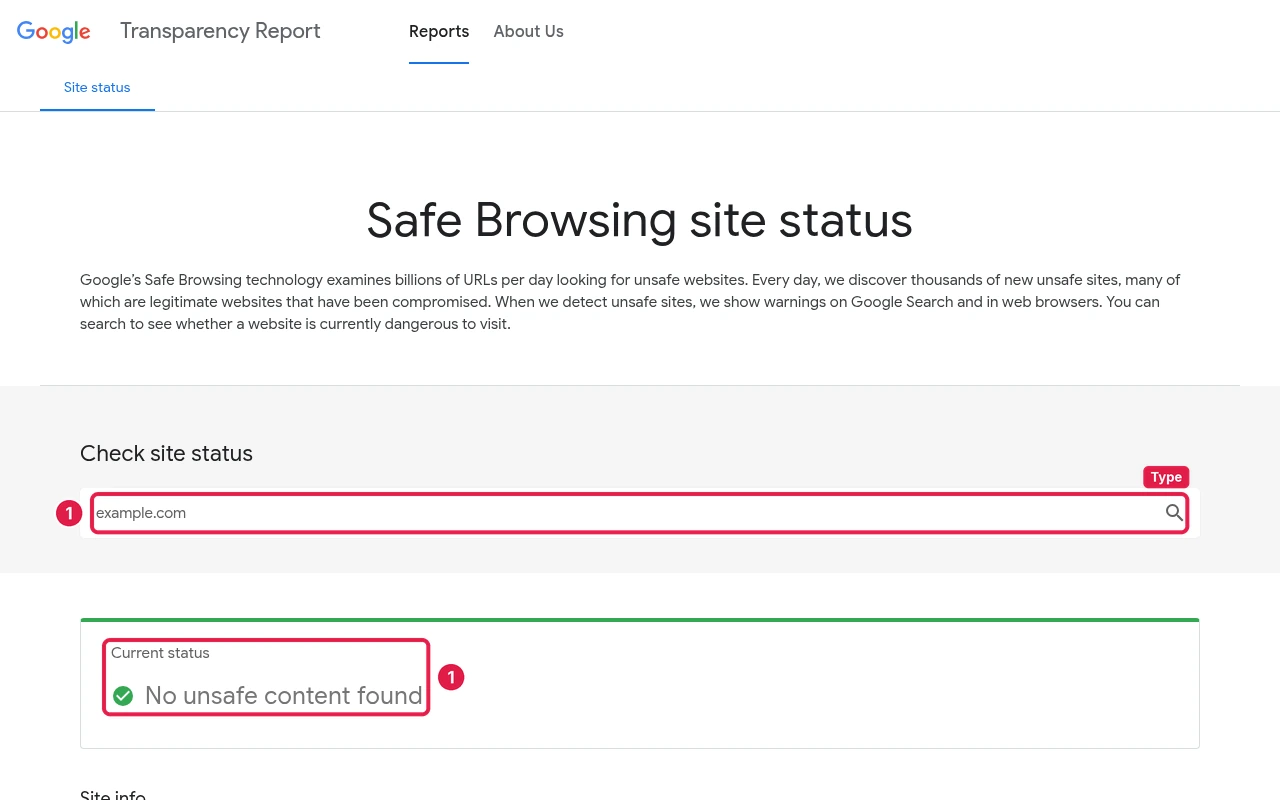
Step 2: Find and remove the flagged pages
Phishing kits are usually folders of HTML or PHP files. Look for them by date (File Manager sorted by Last Modified, or find . -name "*.html" -newer wp-config.php), remove them, and confirm the flagged URLs now return 404.

Step 3: Clean the whole site, then request a review
- Follow the hacked site cleanup checklist. Removing just the flagged pages isn’t enough if the backdoor is still there.
- Search Console → Security issues → tick I have fixed these issues → Request review, and explain what you removed and fixed.
- Don’t request a review until the site is fully clean. Failed reviews delay the next one.
Getting help
Once Google’s review clears the warning, check that nothing on the site is still flagged. ShoHost customers can ask us to look through the files with them at support@shohost.com or on WhatsApp +91 94880 91432, 9 AM to 12 midnight IST. Want a host that helps after a hack? See ShoHost WordPress hosting.