
How can we help you?
Step-by-step fixes for WordPress, cPanel, email, domains and WHMCS, tested by the ShoHost team
Browse by category
Latest guides
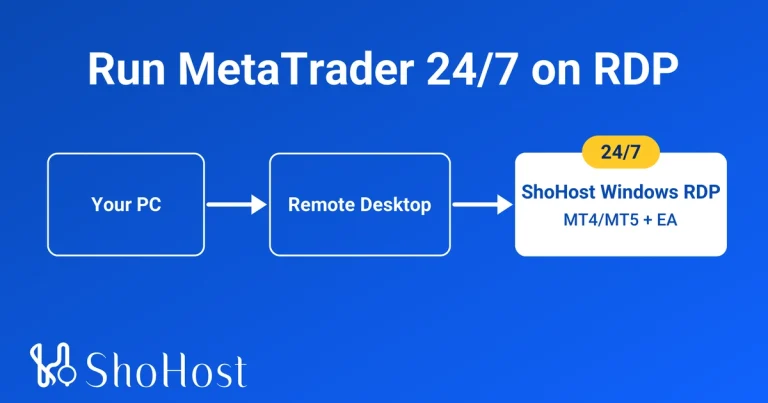
How to Run MetaTrader 4/5 24/7 on a Windows RDP (2026 Guide)
Run MT4 or MT5 24/7 on a Windows RDP: install, EA setup, disconnect safely and auto-start after restarts. RDP -…
Point a Domain to Hosting with A Record vs Nameservers
Point your domain to hosting by changing nameservers or editing the A record. What each changes, how email is affected…
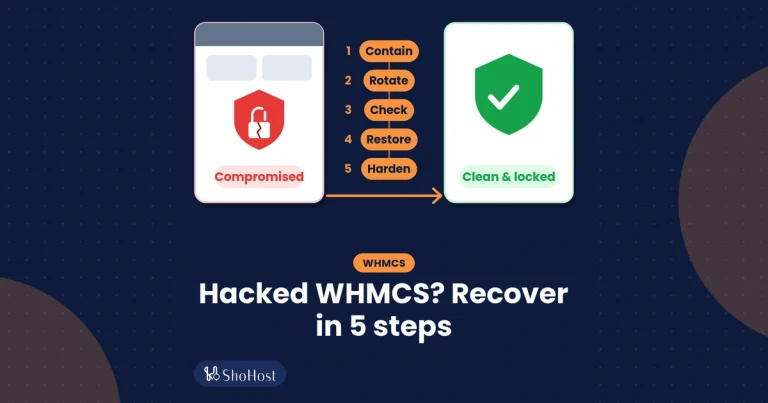
WHMCS Hacked? First Steps to Contain, Clean and Recover (2026)
WHMCS hacked? Contain it, rotate passwords and API keys, check admins and hooks, restore a clean backup, then harden. Clear…

Set Up Cron Jobs in cPanel (with Examples and Log Output)
Set up a cron job in cPanel: choose the schedule, use full PHP and script paths, log the output, and…
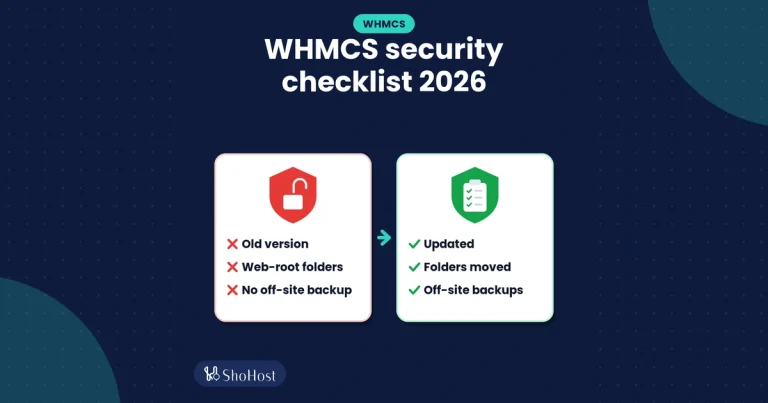
WHMCS Security Checklist for 2026: 10 Checks for Self-Hosted Installs
A 2026 WHMCS security checklist: updates, moving crons and writeable folders outside the webroot, configuration.php permissions, SSL and backups.
Back Up and Restore a cPanel Account (Files, DB, Email)
How to back up and restore a cPanel account: full vs partial backups, downloading files and databases, testing a backup,…
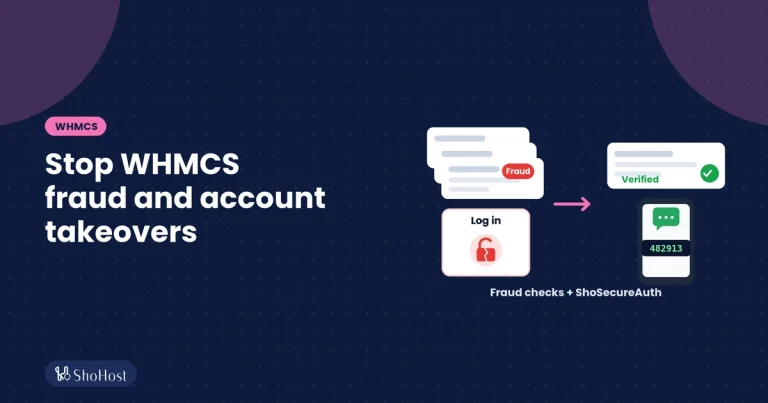
Stop WHMCS Fraud Orders and Protect Client Logins (2026)
Stop WHMCS fraud orders with FraudLabs Pro or MaxMind and the right order settings, then protect client logins with 2FA…
WHMCS Razorpay Payment Not Captured or Not Marking Invoice Paid
Razorpay payment received but the WHMCS invoice is still Unpaid? Check the Gateway Log, capture status, callback URL, webhook secret…
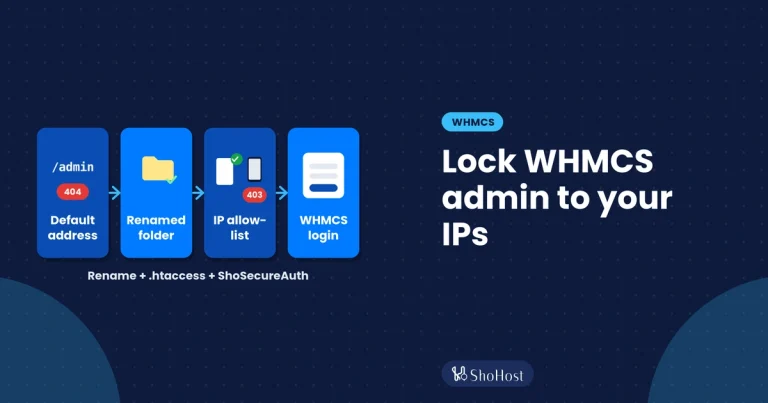
How to Restrict WHMCS Admin Access: Rename the Admin Folder and Allow Only Your IPs
Rename the WHMCS admin folder and allow only your IPs with .htaccess. Plus what cPanel IP Blocker and WHMCS’s own…
WHMCS Email Piping Setup and “Pipe to program failed” Fixes
Set up WHMCS email piping with a cPanel forwarder and fix ‘pipe to program failed’: execute permission, PHP path, CRLF…
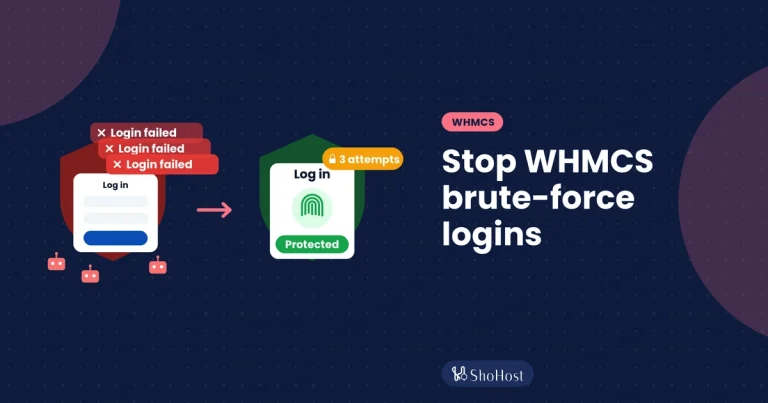
How to Stop WHMCS Brute-Force Login Attacks: Logs, Ban Settings and Login Protection
Spot WHMCS brute-force attacks in the logs, set the built-in ban and captcha settings, and see why login protection with…
Need help? WhatsApp support, 7-day money-back guarantee