Fix Mixed Content Warnings in WordPress After Installing SSL
Tested in the ShoHost fix lab on 12 October 2026: WordPress 7.1.3, PHP 8.4, Apache with MariaDB 11.8. Every screenshot below is from that lab, not from a customer site.
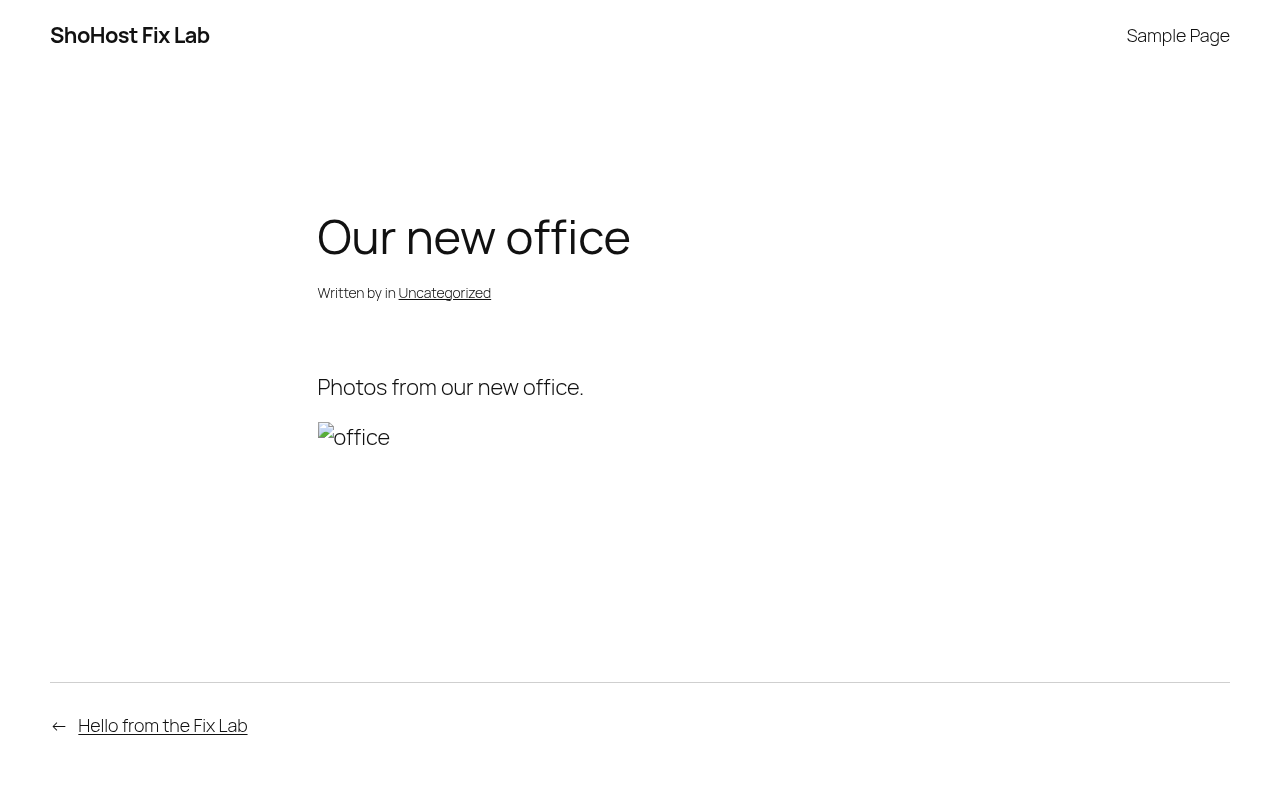
Your site loads over HTTPS, but the padlock is missing, some images are broken, or a script won’t run. The page is secure, but posts, widgets or theme settings still link to old http:// addresses. Browsers upgrade some of these requests to HTTPS and block others. The usual cause is content written before you switched to SSL.
Step 1: Find the insecure URLs
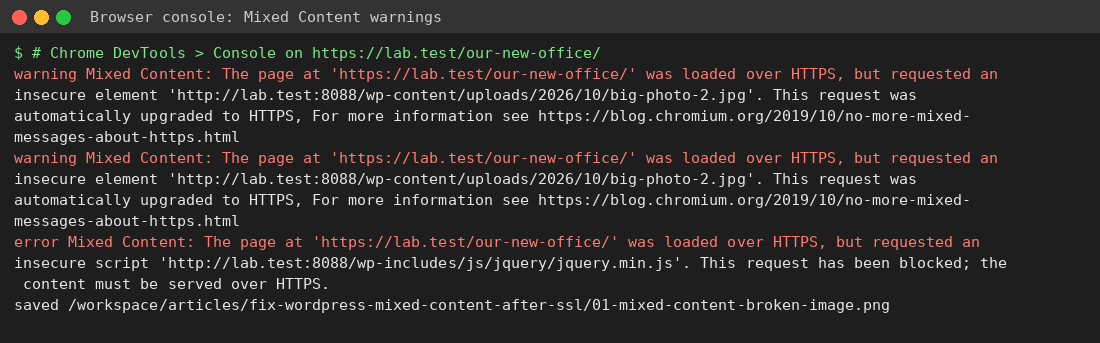
Open the page in Chrome, press F12 → Console, and look for Mixed Content messages. Each one names the http:// file that caused it.
Step 2: Back up, then search and replace in the database
Old URLs are stored in your database, often inside serialized data, so don’t run a raw SQL REPLACE in phpMyAdmin. Export the database first (cPanel → phpMyAdmin → Export), then use either a plugin such as Better Search Replace (run a dry run first) or WP-CLI:
wp db export before-search-replace.sql
wp search-replace 'http://example.in' 'https://example.in' --all-tables --dry-run
wp search-replace 'http://example.in' 'https://example.in' --all-tables
wp cache flush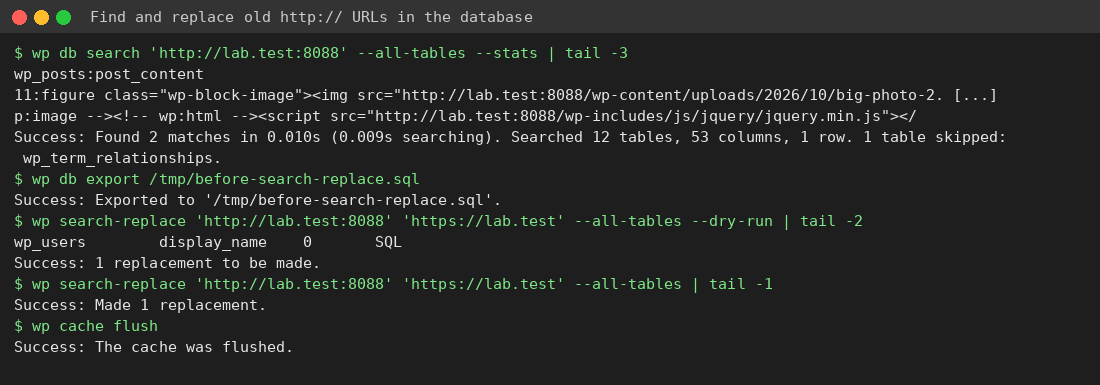
Step 3: Check what the database doesn’t hold
- Theme files and custom CSS with hard-coded
http://links (Appearance → Customize → Additional CSS). - Third-party embeds and ad scripts that only work over HTTP. Replace them or remove them.
- Purge LiteSpeed Cache, your CDN cache and any minified CSS/JS so the old URLs don’t keep being served.
Need a hand?
Want someone to do this for you? If your site is on ShoHost, message our support team on WhatsApp at +91 94880 91432 or email [email protected] and we’ll look at the error log with you. Hosting somewhere else and tired of errors like this one? ShoHost WordPress hosting runs on LiteSpeed servers with NVMe storage and free SSL, and includes free migration.