502 Bad Gateway: Proxy, CDN and PHP-FPM Causes
Tested in a ShoHost sandbox on 12 October 2026: nginx 1.26 as a front proxy, captured with headless Chrome. We simulated two broken backends: one that accepts the connection and then closes it without replying (as a crashed PHP-FPM worker or app does), and one port where nothing is running. Every screenshot below is from that sandbox or from a public DNS lookup, not from a customer site.
502 Bad Gateway means a proxy in front of your site (nginx, a load balancer, or a CDN such as Cloudflare) contacted the server behind it and got either no valid answer or no connection at all. The proxy is working; what’s behind it isn’t. The proxy’s error log usually tells you which of those happened.
What it looks like
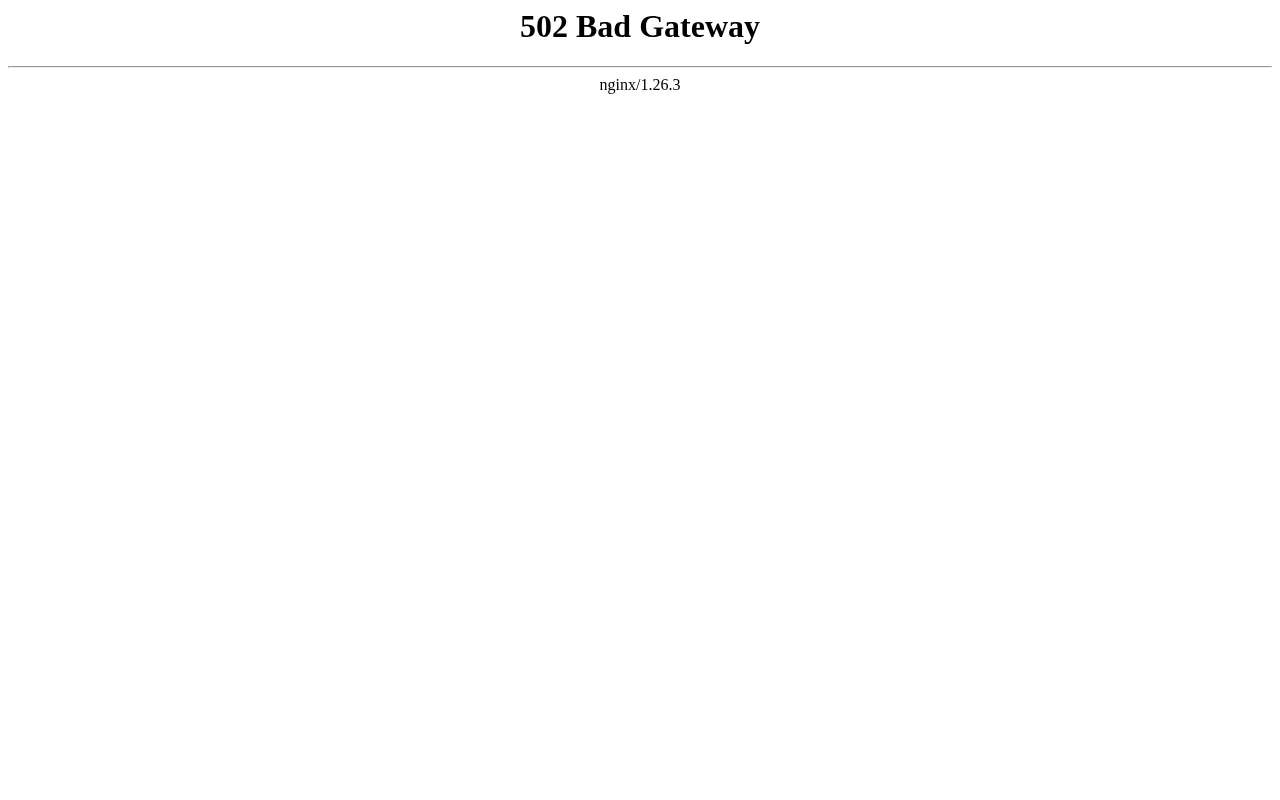
A plain 502 Bad Gateway page with nginx underneath comes from a proxy on the server. A Cloudflare-branded page comes from the CDN, and Cloudflare also uses related codes such as 520, 521 and 522 for specific origin problems.
Step 1: Read the log line
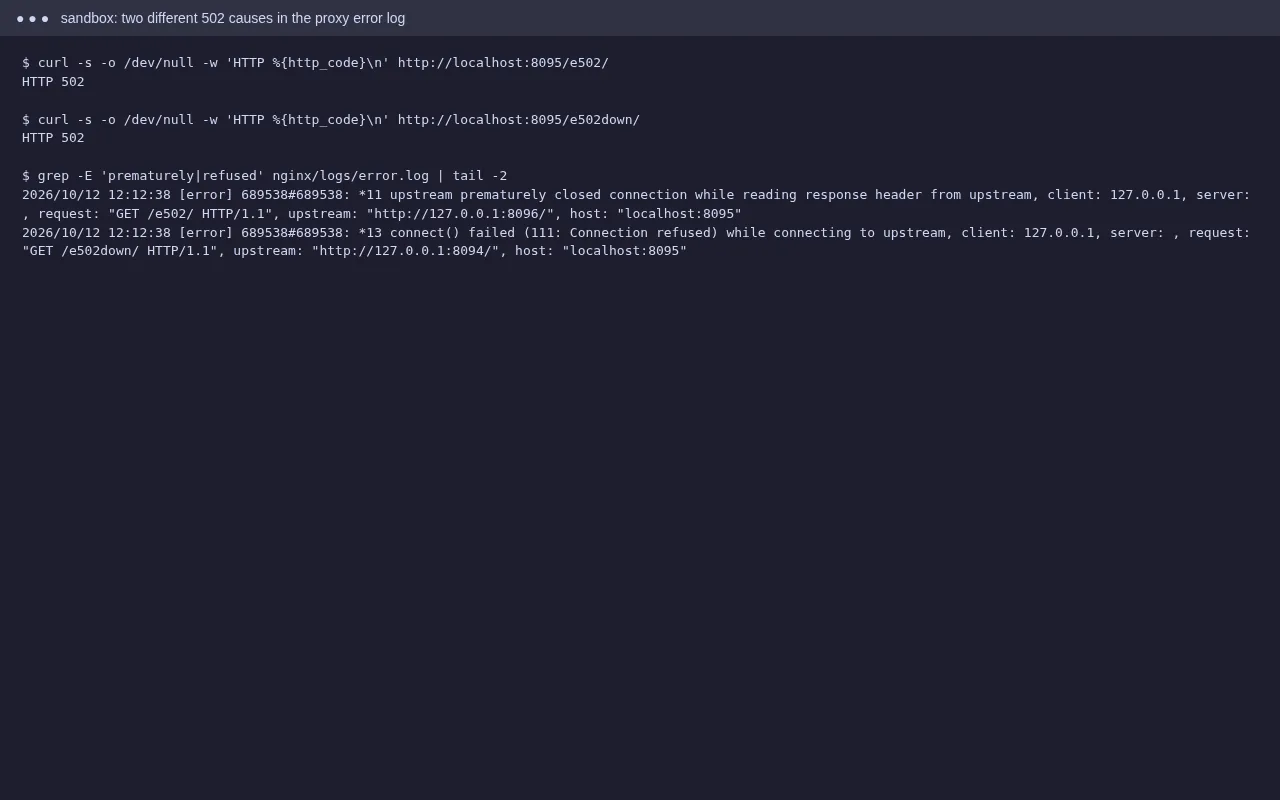
upstream prematurely closed connection/recv() failed (104: Connection reset by peer): the backend accepted the request, then died or dropped it. Usually a PHP process that crashed or was killed for using too much memory.connect() failed (111: Connection refused)or(2: No such file or directory)on a socket: nothing is listening. The PHP-FPM pool, Node.js app or Apache behind the proxy is stopped.upstream sent too big header: the response headers (often cookies) are larger than the proxy accepts.
On shared cPanel hosting you may not see the proxy log yourself. Check Metrics → Errors and error_log for PHP fatal errors or memory errors at the same time, and send the time and URL to your host.
Step 2: Fix the cause
PHP crashed or ran out of memory
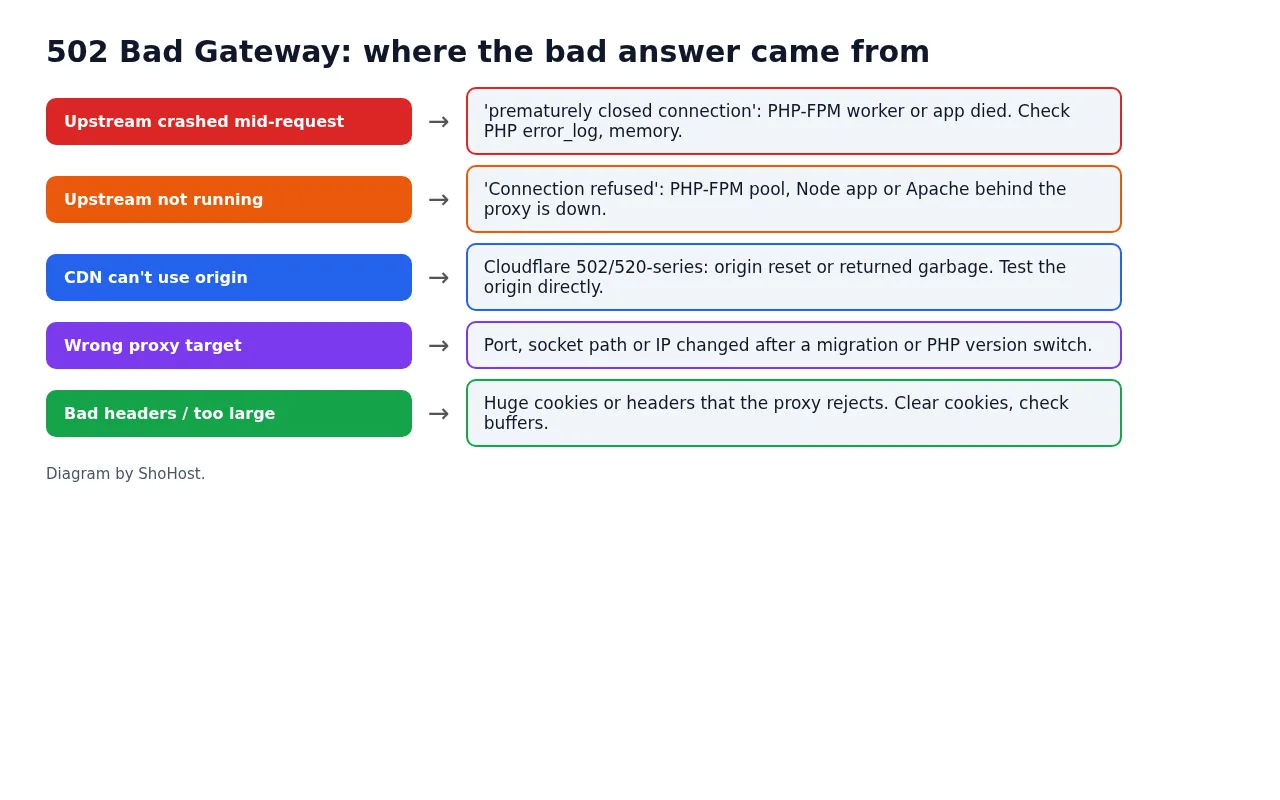
Look for Allowed memory size exhausted or segmentation-fault lines in the logs. Turn off the plugin or code that was running, raise memory_limit if it’s genuinely needed, or switch PHP version in MultiPHP Manager and back (on many servers this restarts the domain’s PHP pool).
Backend not running
For a Node.js or Python app, open Setup Node.js App or Setup Python App and restart it, then check the app’s log for the startup error. For PHP-FPM, ask your host to restart the pool if switching versions doesn’t help.
CDN in front
Test your server directly, for example with a hosts-file entry pointing the domain at the server IP. If the origin works, check the CDN’s SSL mode, firewall rules that block the CDN’s IPs, and origin port settings.
After a migration or PHP change
Proxy settings that point to an old IP, port or socket path give 502 straight away. Ask your host to check the proxy target.
Visitor-side quick checks
If the site works for others, reload, clear cookies for the site (oversized cookies can trigger 502), and try another network.
FAQ
Is 502 the same as 503 or 504?
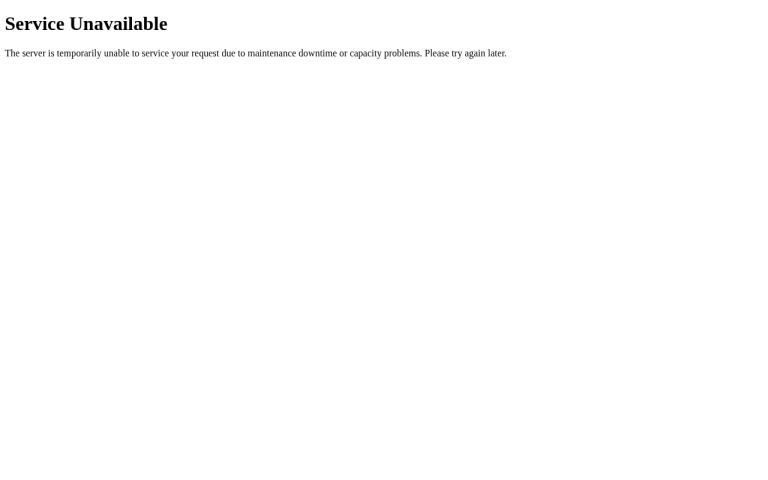
No. 502 is a bad or missing answer from the backend, 503 is the service saying it’s unavailable, and 504 is the backend taking too long.
Why does 502 come and go?
Intermittent 502s usually mean PHP workers are crashing under load or being killed at a memory limit. Compare the times with Resource Usage and error_log.
Can I fix a 502 on shared hosting myself?
Often yes, when the cause is your code, a plugin or memory use. If the PHP pool or proxy itself is down, only the host can restart it.
Need a hand?
Want someone to do this for you? If your site is on ShoHost, message our support team on WhatsApp at +91 94880 91432 or email [email protected] and we’ll look at the logs with you. Hosting somewhere else and running into 502 errors often? ShoHost WordPress hosting runs on LiteSpeed servers with NVMe storage and free SSL, and includes free migration.