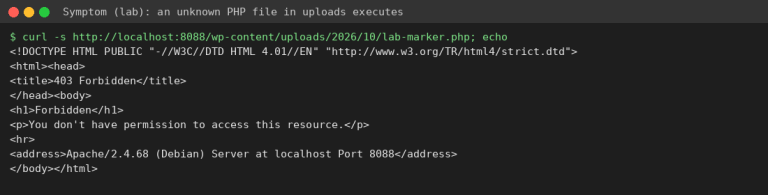
How to Remove Spam Links Injected into WordPress Posts and Database
Tested in the ShoHost fix lab on 12 October 2026: WordPress 7.1.3, PHP 8.4, Apache with MariaDB 11.8. Every screenshot below is from that lab, not from a customer site.
Safety note: Every “attack” in this guide was a harmless marker (text strings and example.com links) planted on a throwaway local WordPress install. Nothing here is real malware. Don’t experiment on your live site.
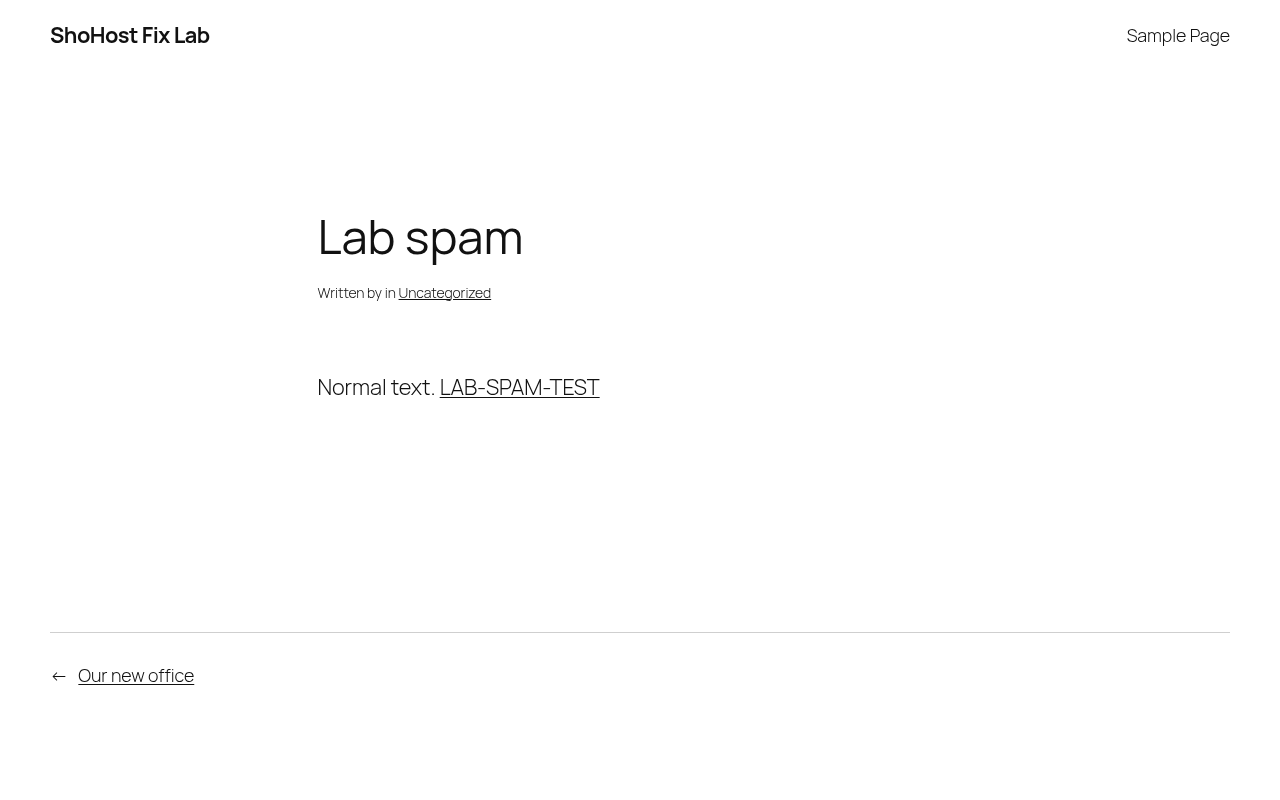
SEO spam hides links to casino, pharma or other spam pages inside your posts or settings so that the spammers rank, not you. Signs include strange titles under site:yoursite.in in Google, unknown pages in Search Console, and hidden links in your page source.
Detect
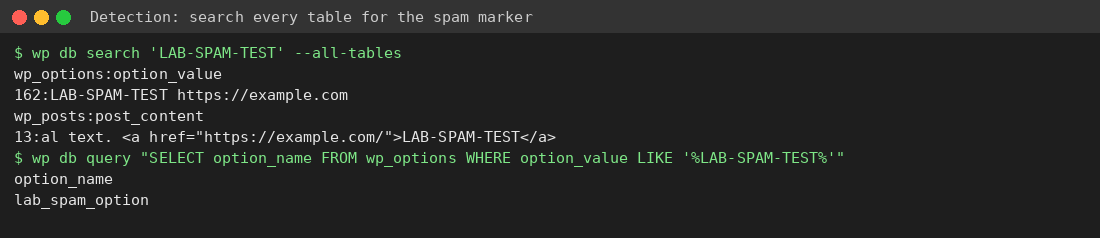
Search every table, not just posts. Spam often hides in wp_options as well:
wp db search 'casino' --all-tables
wp db search 'display:none' --all-tables
In phpMyAdmin, run SELECT ID, post_title FROM wp_posts WHERE post_content LIKE '%casino%'; and the same query against wp_options.option_value.
Clean up
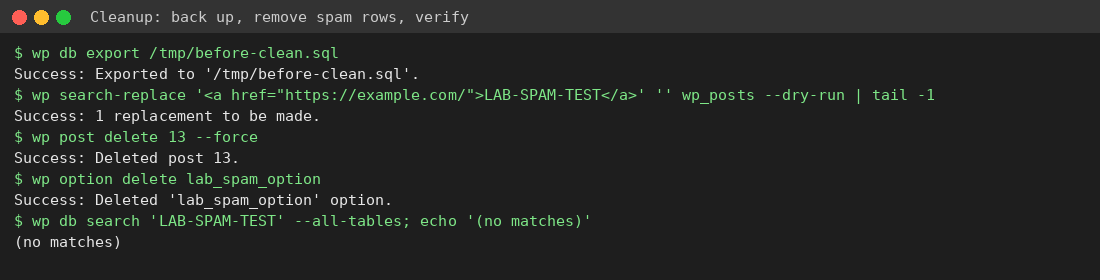
- Export the database first:
wp db export before-clean.sqlor phpMyAdmin → Export. - Remove injected links with a search-replace, and always do a
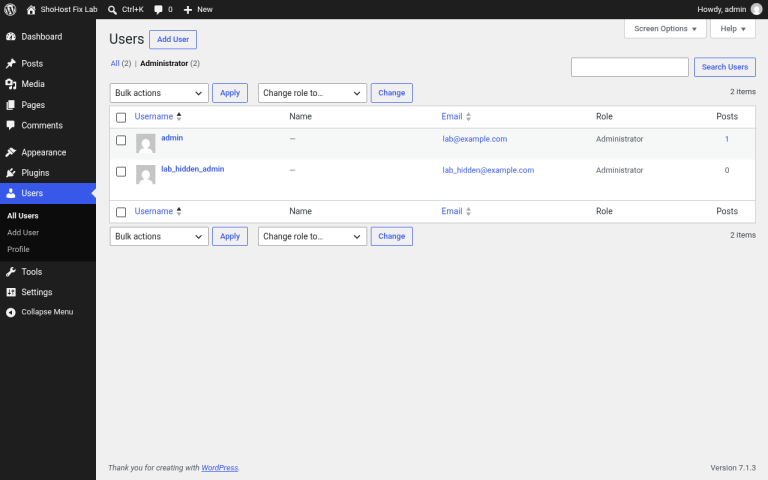
--dry-runfirst. Delete posts that are pure spam (wp post delete ID --force) and rogue options (wp option delete name). - Find out how the spam got in. Follow the hacked site checklist: change passwords, update plugins, check users.
- In Search Console, ask for spam URLs to be removed and resubmit your sitemap.
Need a hand?
Not sure your cleanup is complete? If you host with ShoHost, contact support on WhatsApp (+91 94880 91432) or at [email protected] before you change anything else. Moving a site you’ve just cleaned? ShoHost WordPress hosting includes free SSL and free migration.