403 Forbidden Error: Permissions, .htaccess and ModSecurity
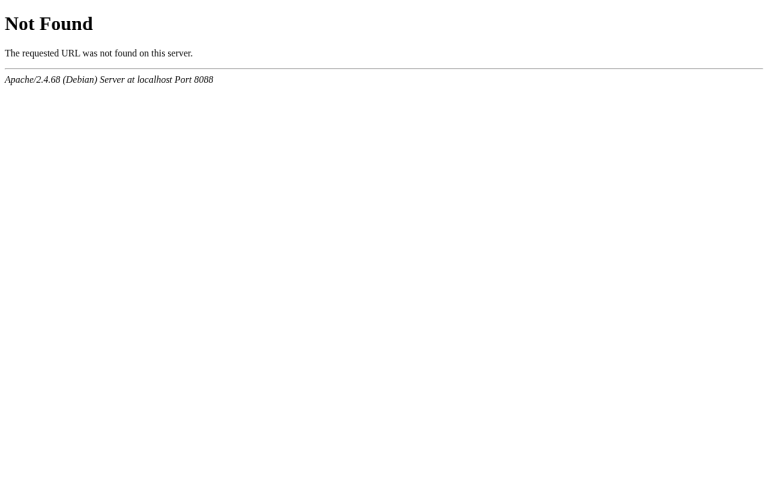
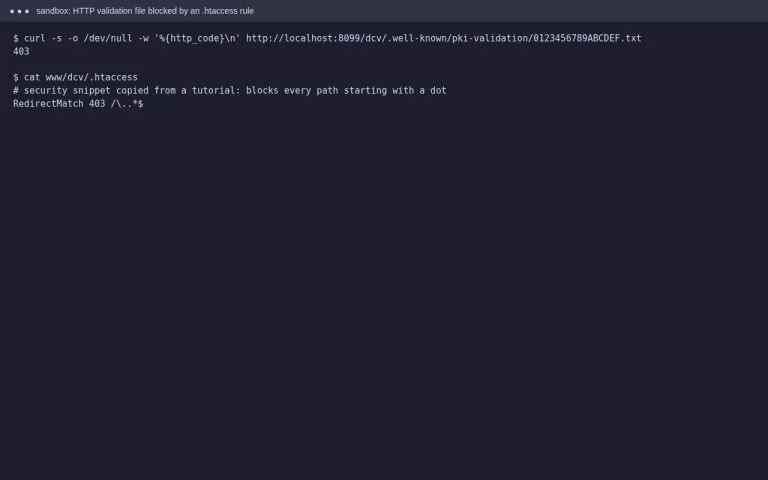
Tested in a ShoHost sandbox on 12 October 2026: Apache 2.4.68 and PHP 8.4 on Debian, captured with headless Chrome. We caused a 403 in two ways: a file set to permissions 000, and a Require all denied rule in .htaccess. Every screenshot below is from that sandbox, not from a customer site.
403 Forbidden means the server understood the request but won’t serve it. The page exists, but something is blocking access: file permissions, a rule in .htaccess, a missing index file, or a security filter. The error log tells you which one.
What it looks like

Step 1: Read the log line
Open cPanel → Metrics → Errors and reload the page. Each cause logs something different:
AH00132: file permissions deny server access: file permissions.AH01630: client denied by server configuration: a deny rule (usually in .htaccess).AH01276: Cannot serve directory ... No matching DirectoryIndex: no index file, and directory listing is off.ModSecurity: Access denied ... [id "..."]: a web application firewall rule.
Step 2: Fix file and folder permissions
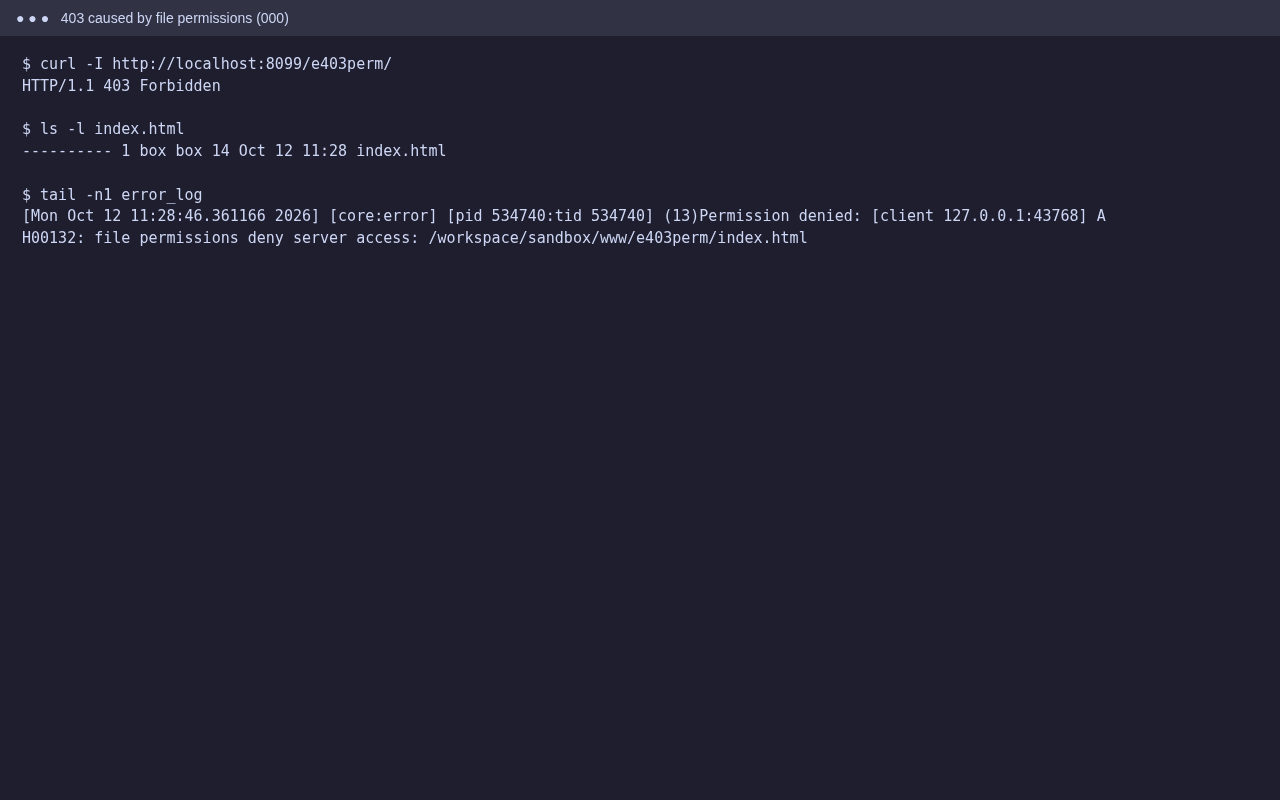
In File Manager, select the file and choose Permissions (or right-click → Change Permissions). On standard cPanel hosting, use:
- Folders: 755
- Files: 644
wp-config.phpand other config files: 640 or 600 often works too, but only if PHP runs as your own user. If the site breaks, set it back to 644.
Over SSH you can reset a whole site at once. Check the path first:
find ~/public_html -type d -exec chmod 755 {} \;
find ~/public_html -type f -exec chmod 644 {} \;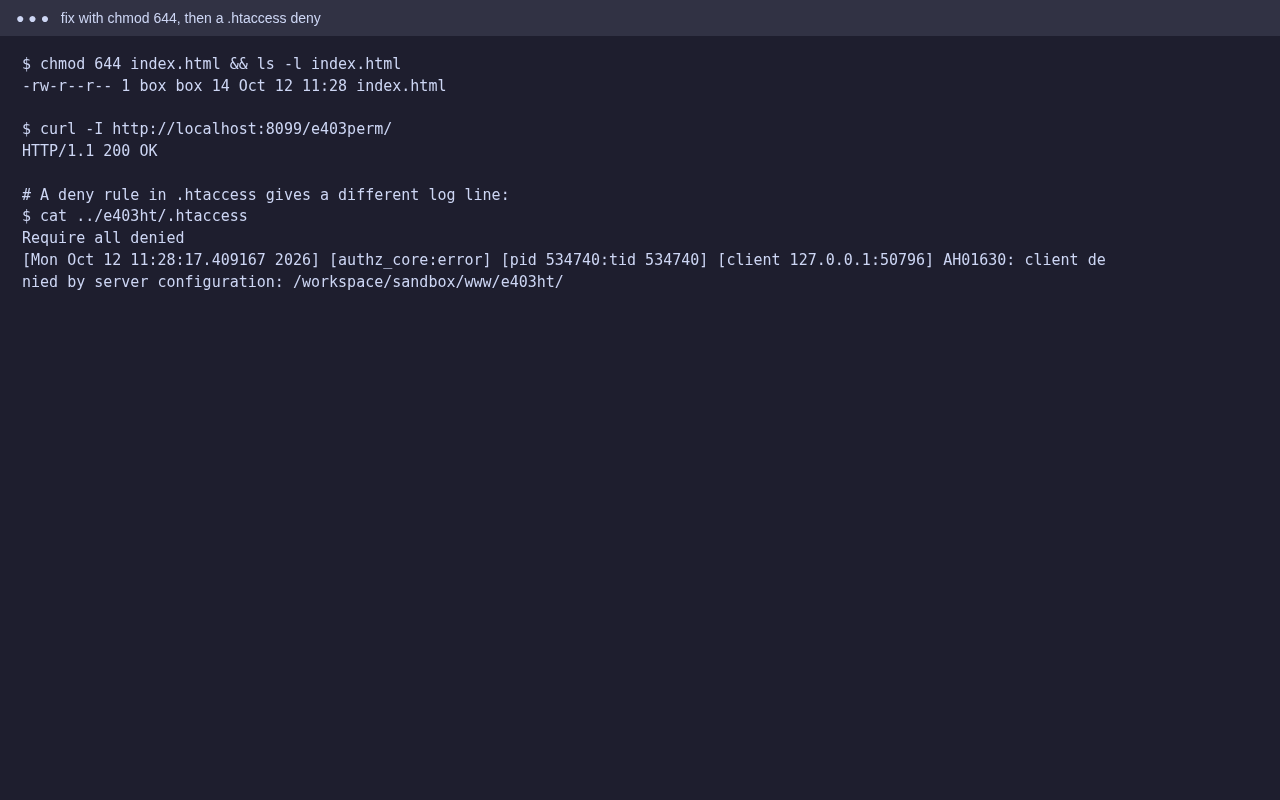
Step 3: Check .htaccess rules
Look for Require all denied, Deny from all, Require ip or Order deny,allow lines, both in your site’s folder and in the folders above it. Security plugins and hotlink protection add rules like these. Rename .htaccess for a moment to test. If the 403 goes away, add the rules back one block at a time.
Step 4: Index file, ModSecurity and IP blocks
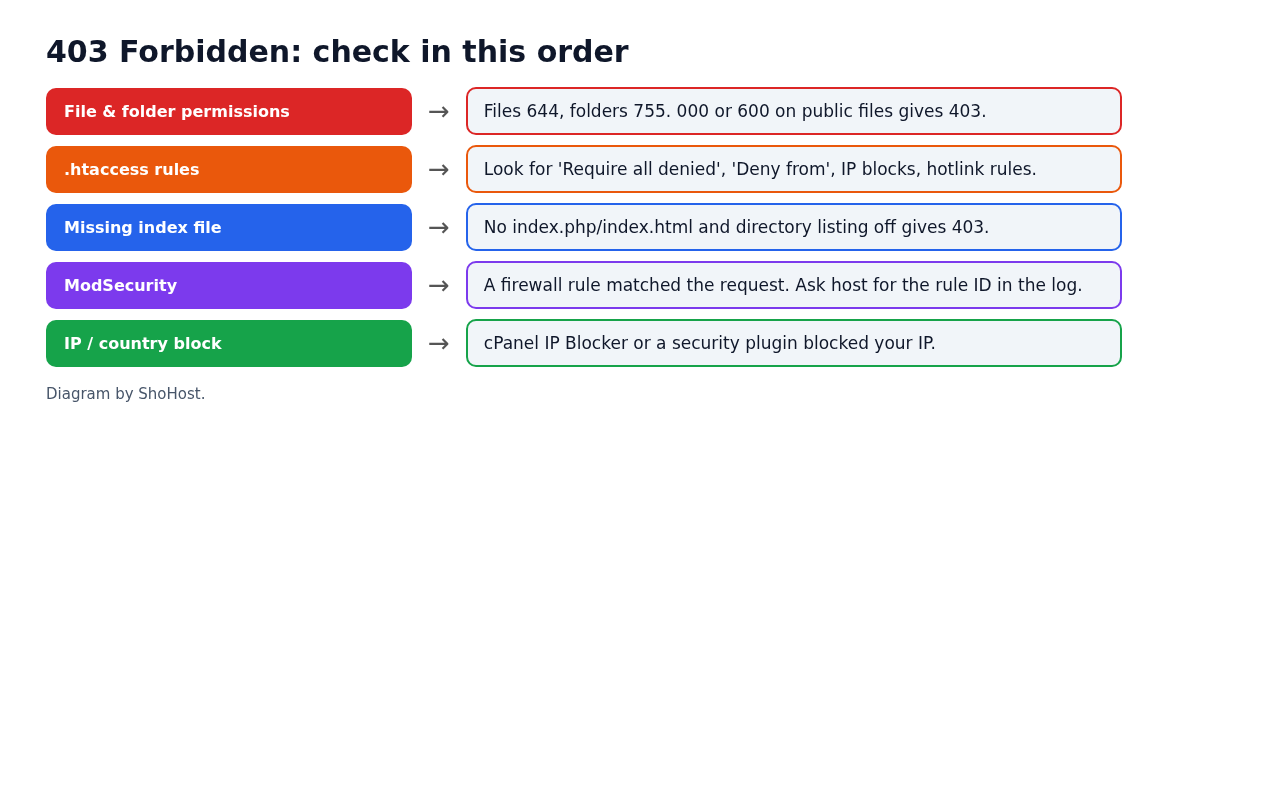
- Missing index: upload
index.phporindex.html, or check you uploaded topublic_htmland not a subfolder. - ModSecurity: if a form submit or a wp-admin action is blocked, send your host the time, URL and rule ID from the log. Turn ModSecurity off for the whole domain only to test, and turn it back on afterwards.
- IP blocks: check Security → IP Blocker and your security plugin’s block list for your own IP.
FAQ
Why do I get 403 only on wp-admin?
Usually it’s a security plugin rule, ModSecurity, or IP-based access rules on wp-admin. Check the log for the rule involved.
Is 777 a fix?
No. Many cPanel servers refuse to run scripts in folders with 777 permissions, and it lets anyone on the server change your files. Use 755 and 644.
403 vs 401: what’s the difference?
401 means you need to log in (for example, a password-protected directory). 403 means access is refused even if you log in.
Need a hand?
Want someone to do this for you? If your site is on ShoHost, message our support team on WhatsApp at +91 94880 91432 or email [email protected] and we’ll look at the logs with you. Hosting somewhere else and running into permission errors often? ShoHost WordPress hosting runs on LiteSpeed servers with NVMe storage and free SSL, and includes free migration.