DNS_PROBE_FINISHED_NXDOMAIN: Fix for Site Owners and Visitors
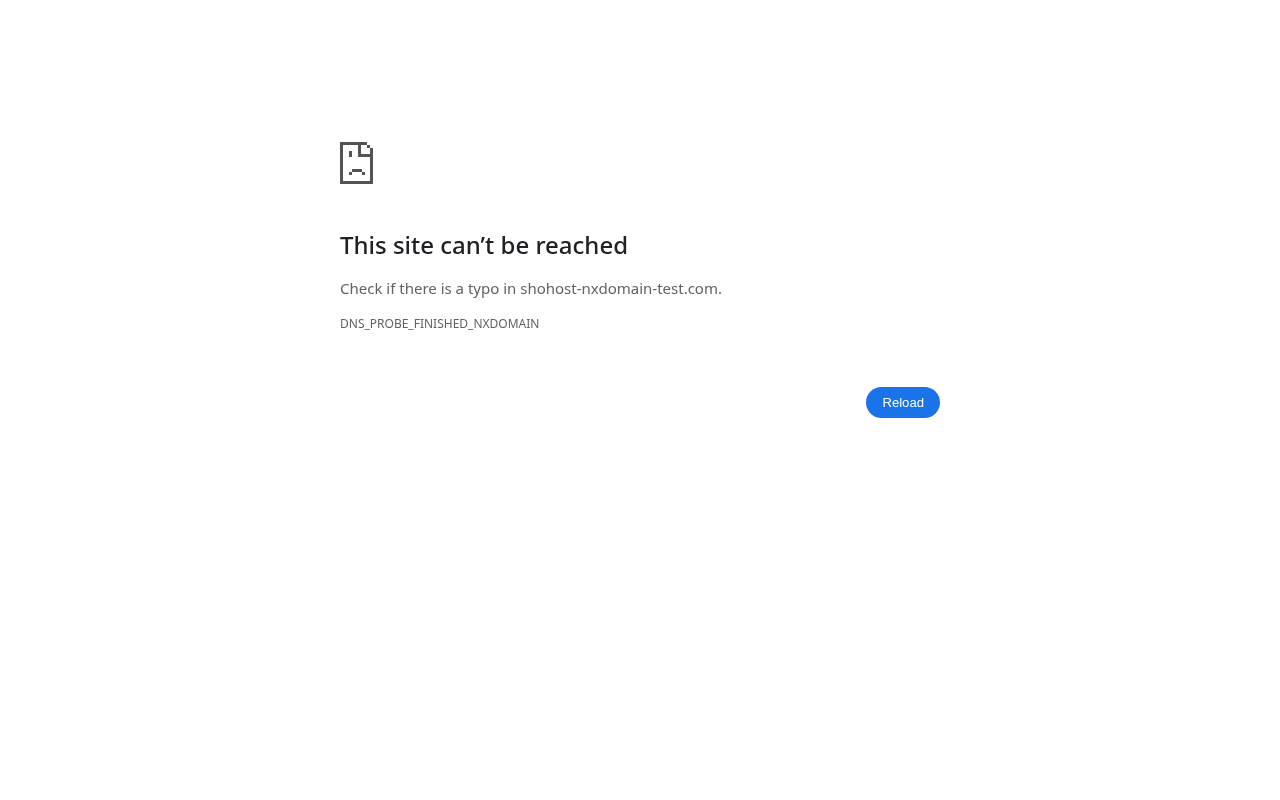
Tested on 12 October 2026 with headless Chrome and Google Public DNS, using an unregistered test domain (shohost-nxdomain-test.com). Our sandbox network answers every plain DNS query itself, so for the browser screenshot we told Chrome’s resolver to fail for that one name. The lookup in the second screenshot is a real public DNS answer.
DNS_PROBE_FINISHED_NXDOMAIN is Chrome’s way of saying that the DNS lookup came back NXDOMAIN: “no such domain”. The browser couldn’t turn the name into an IP address, so it never reached any server. The cause can be on the visitor’s side (a typo, a stale cache, a bad DNS resolver) or on the domain owner’s side (an expired domain, wrong nameservers, missing records).
What it looks like
Step 1: Find out whether it’s just you
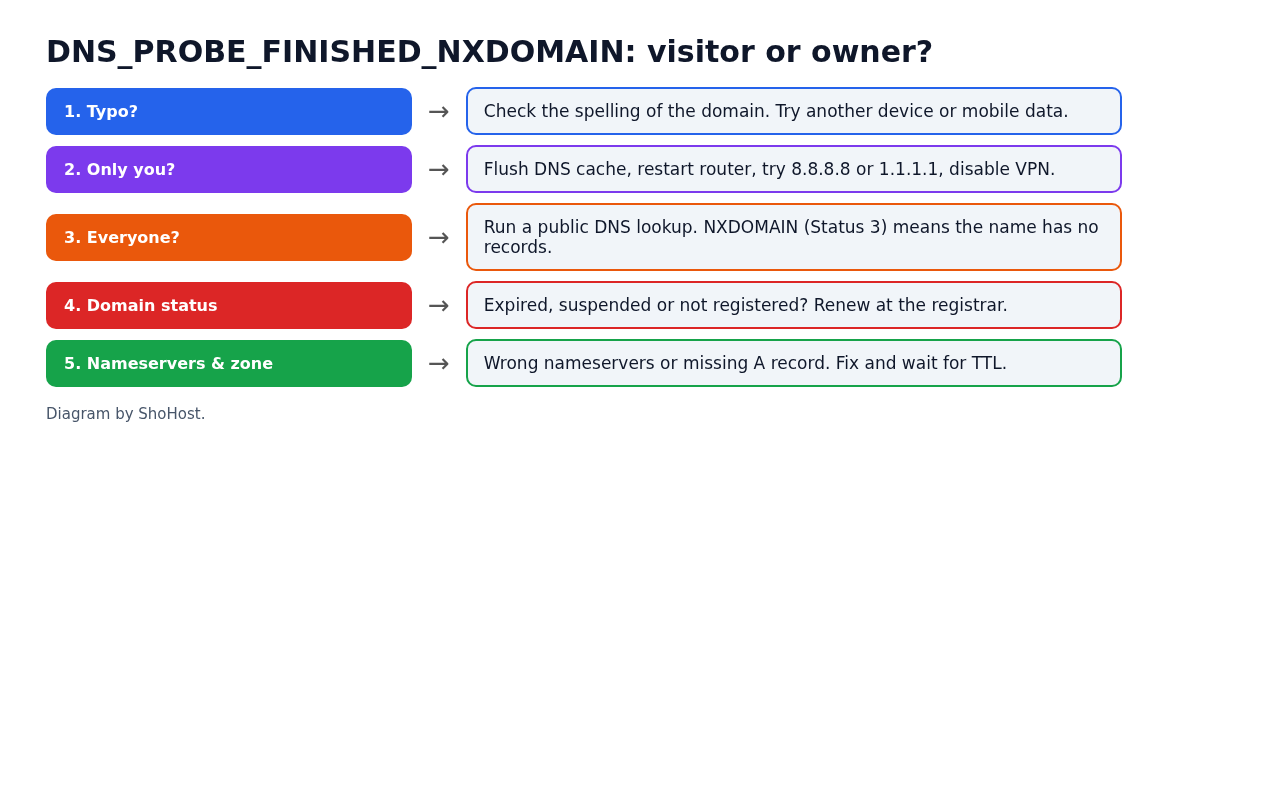
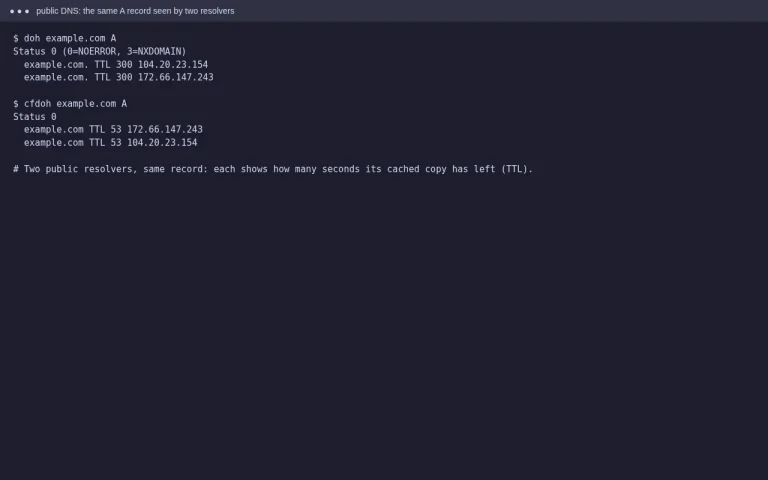
Try the site on mobile data, or ask someone in another city to open it. Then run a public lookup. Any DNS checker works, or Google’s DNS-over-HTTPS endpoint:
curl -s "https://dns.google/resolve?name=example.in&type=A"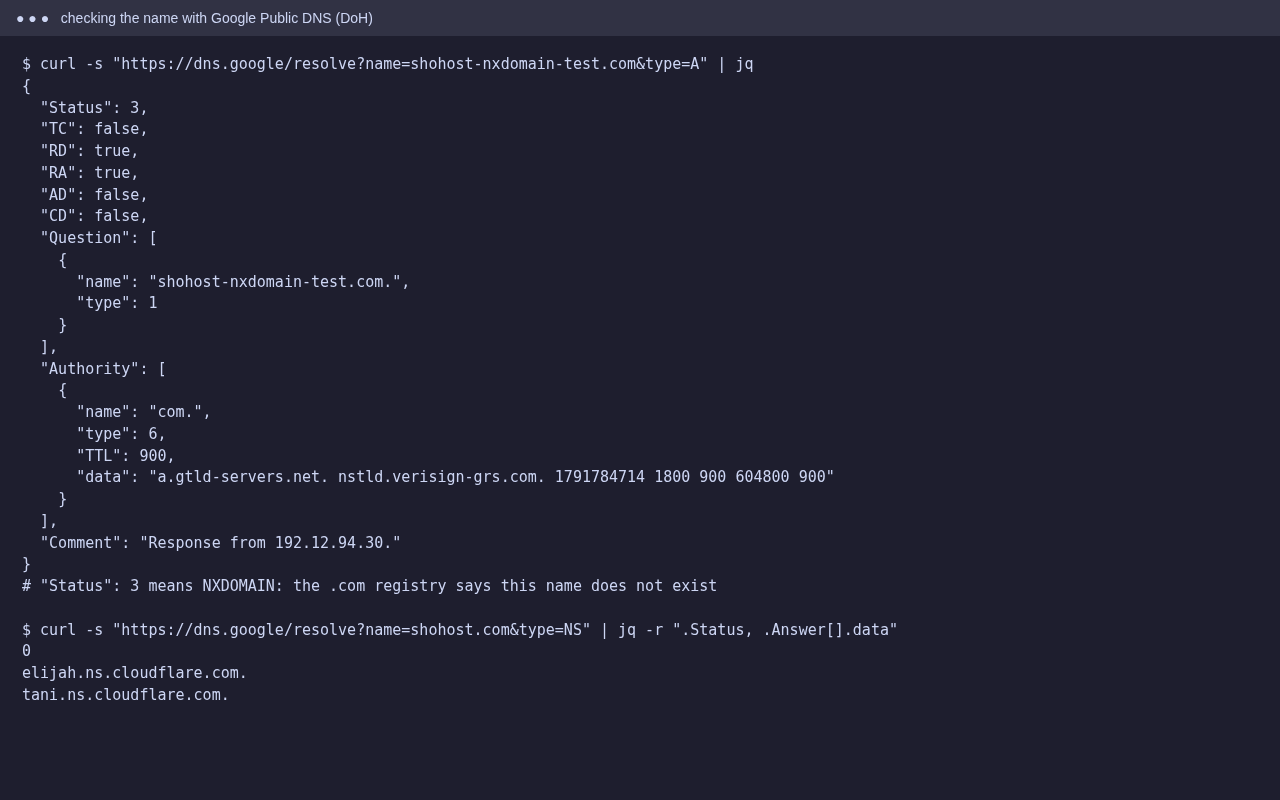
"Status": 3 is NXDOMAIN: the public DNS has no record of the name, so the problem is the domain, not your device. "Status": 0 with an Answer means the domain resolves for everyone else, so the problem is on your device or network.
Fixes for visitors (the domain resolves elsewhere)
- Check the spelling, and that it’s
.invs.co.invs.com. - Flush the DNS cache. Windows:
ipconfig /flushdns. macOS:sudo dscacheutil -flushcache; sudo killall -HUP mDNSResponder. In Chrome, openchrome://net-internals/#dnsand click Clear host cache. - Restart the router, or switch your DNS to 8.8.8.8 / 1.1.1.1.
- Turn off a VPN, proxy or ad-blocking DNS for a moment to test.
- Check your hosts file for an old entry for that domain.
Fixes for site owners (the domain is NXDOMAIN everywhere)
1. Domain expired or suspended
Log in to your registrar and check the domain’s status and expiry date. Registries can suspend .in domains if the registrant’s contact details haven’t been verified. Renew it or complete the verification, then wait for the registry to put it back.
2. Wrong or mistyped nameservers
In the registrar panel, compare the domain’s nameservers with the ones your host gave you, character by character. A typo, or nameservers from an old host, means the name won’t resolve.
3. Missing zone or records
In cPanel, open Domains → Zone Editor and check that the domain has an A record (and a www CNAME or A record). A subdomain with no record of its own returns NXDOMAIN even when the main domain works.
4. Wait for caches to clear
After you fix it, resolvers that cached the NXDOMAIN answer keep serving it until it expires. How long that takes depends on the zone’s settings, often minutes to a few hours. Run the public lookup again to confirm.
FAQ
Is NXDOMAIN the same as ERR_NAME_NOT_RESOLVED?
They are close. Both mean the name didn’t resolve. Chrome shows DNS_PROBE_FINISHED_NXDOMAIN when its DNS check confirms that the domain doesn’t exist.
My domain works on mobile but not on Wi-Fi. Why?
Your Wi-Fi router or ISP’s DNS server has a stale or blocked answer. Flush caches or switch to a public DNS resolver.
I just bought the domain. Why doesn’t it work yet?
Newly registered domains and nameserver changes take time to show up everywhere. Check the nameservers at the registrar, then try the public lookup again later.
Need a hand?
Want someone to do this for you? If your site is on ShoHost, message our support team on WhatsApp at +91 94880 91432 or email [email protected] and we’ll look at the logs with you. Hosting somewhere else and running into DNS problems often? ShoHost WordPress hosting runs on LiteSpeed servers with NVMe storage and free SSL, and includes free migration.