WordPress Posts Showing 404 Errors? Fix Permalinks and .htaccess
Tested in the ShoHost fix lab on 12 October 2026: WordPress 7.1.3, PHP 8.4, Apache with MariaDB 11.8. Every screenshot below is from that lab, not from a customer site.
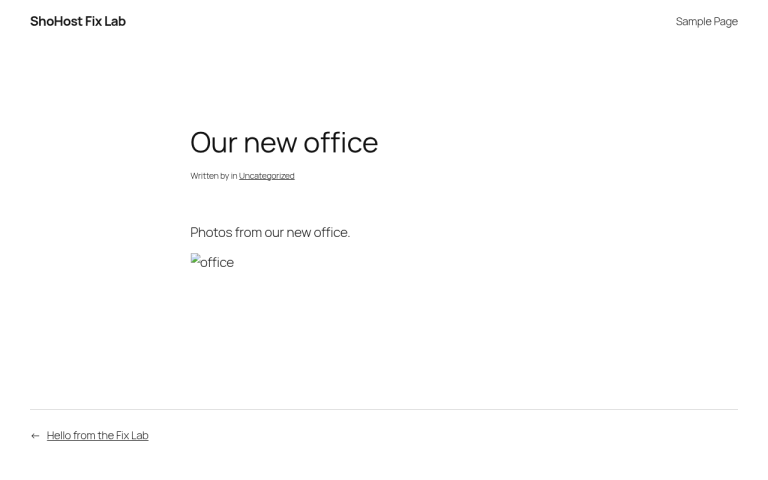
Your homepage opens, but every post and page returns 404 Not Found. When this happens on Apache or LiteSpeed, the rewrite rules in .htaccess are usually missing or broken. It often follows a migration, a security plugin edit, or restoring files without hidden files.

Why it happens
“Pretty” permalinks such as /my-post/ don’t exist as real files. The .htaccess rules pass those requests to index.php. Without them, the web server looks for a folder that isn’t there and gives up.

Fix 1: Save permalinks again (works most of the time)
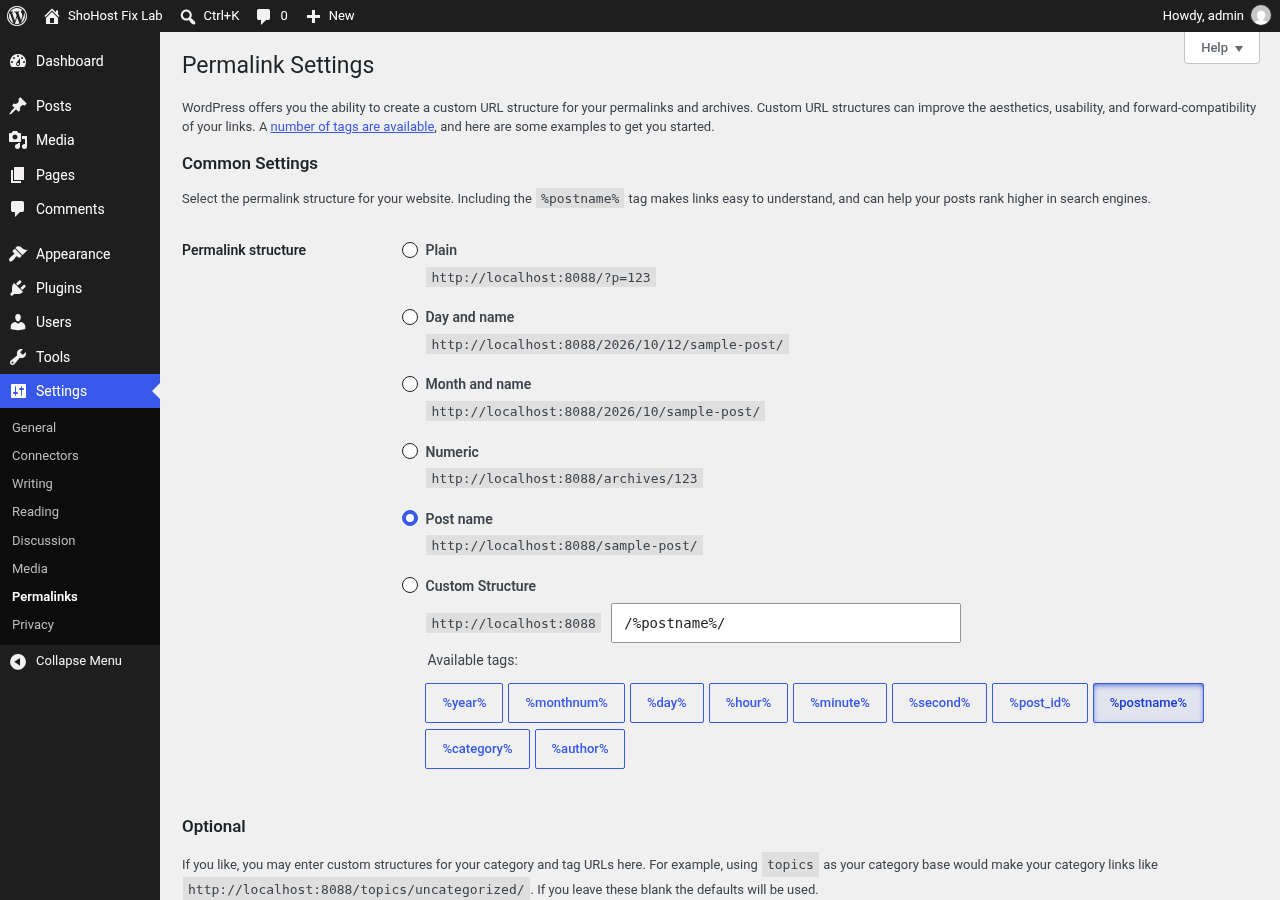
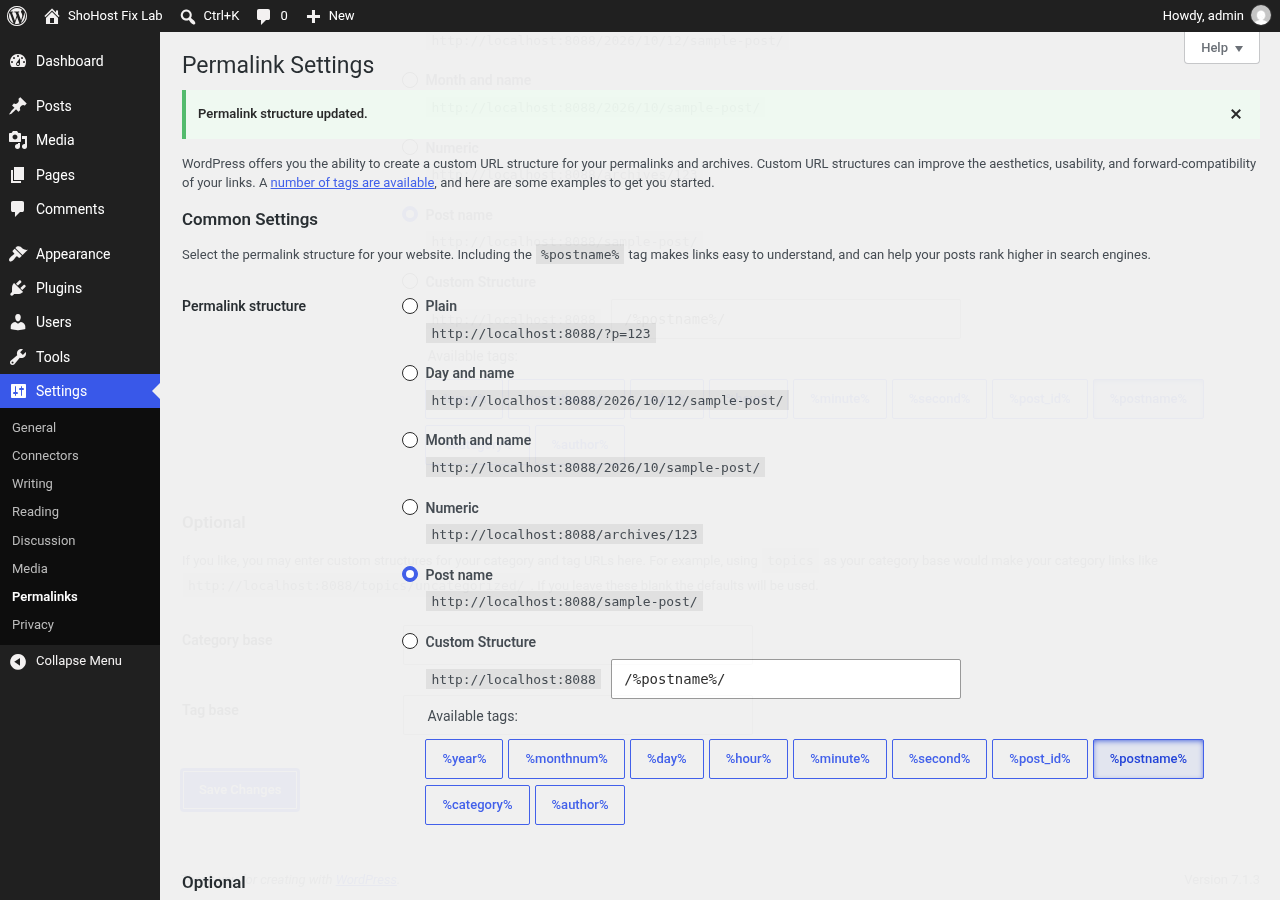
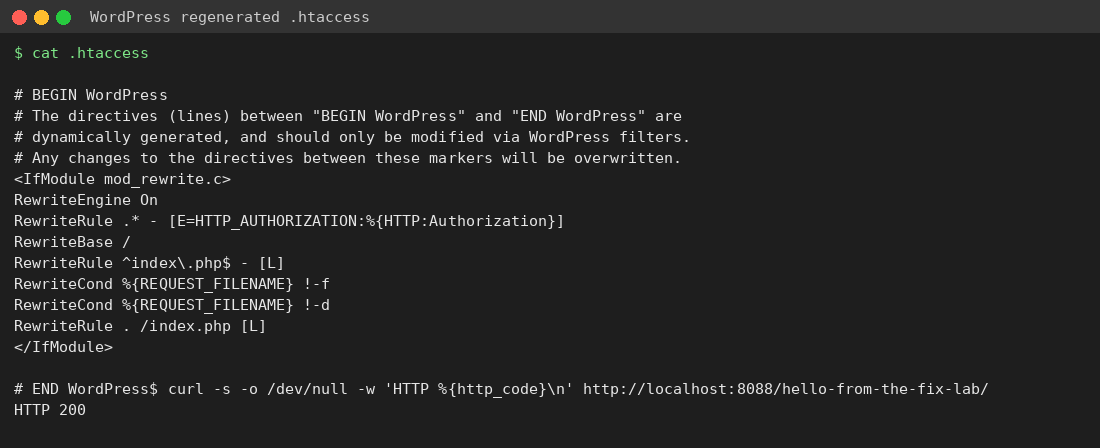
Go to wp-admin → Settings → Permalinks and click Save Changes without changing anything. WordPress rewrites .htaccess as long as the file is writable.
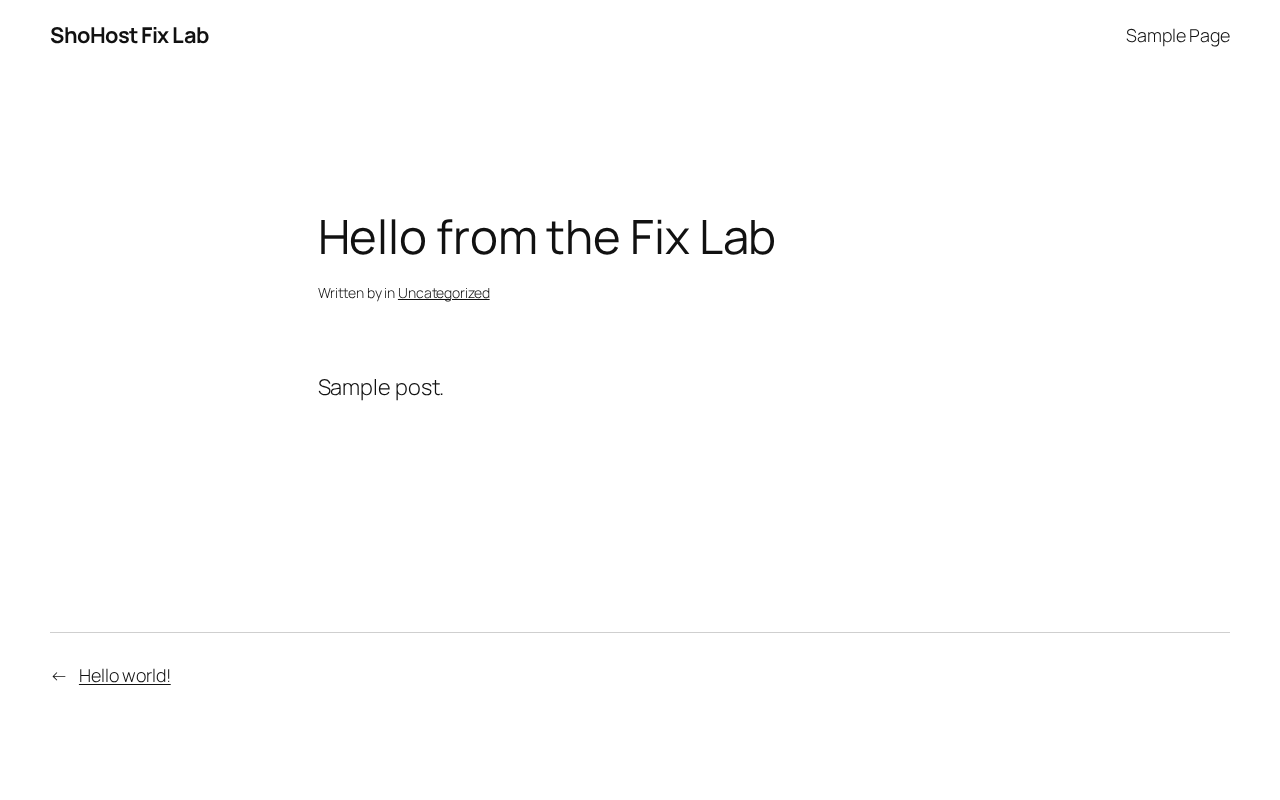
Fix 2: Create .htaccess by hand
If saving doesn’t work (for example because the file isn’t writable), open cPanel File Manager, turn on Show Hidden Files, and create or edit public_html/.htaccess with the standard WordPress rules:
# BEGIN WordPress
<IfModule mod_rewrite.c>
RewriteEngine On
RewriteBase /
RewriteRule ^index\.php$ - [L]
RewriteCond %{REQUEST_FILENAME} !-f
RewriteCond %{REQUEST_FILENAME} !-d
RewriteRule . /index.php [L]
</IfModule>
# END WordPress
Use 644 permissions for the file. If WordPress lives in a subfolder, change RewriteBase and the last rule to match, for example /blog/ and /blog/index.php. Then purge LiteSpeed Cache or whichever cache plugin you use.
Need a hand?
Want someone to do this for you? If your site is on ShoHost, message our support team on WhatsApp at +91 94880 91432 or email [email protected] and we’ll look at the error log with you. Hosting somewhere else and tired of errors like this one? ShoHost WordPress hosting runs on LiteSpeed servers with NVMe storage and free SSL, and includes free migration.