Transfer a .in or .com Domain to Another Registrar (EPP code, lock)
Checked on 12 October 2026 using public RDAP lookups (the modern replacement for WHOIS) for well-known domains. Registrar control panels differ, so we describe the steps by name rather than showing one registrar’s screens.
To move a .in or .com domain to another registrar you need three things: the domain unlocked, its EPP code (also called auth code or transfer key), and a valid contact email. The domain keeps working during the transfer if you don’t change nameservers at the same time.
Step 1: Check the domain can move
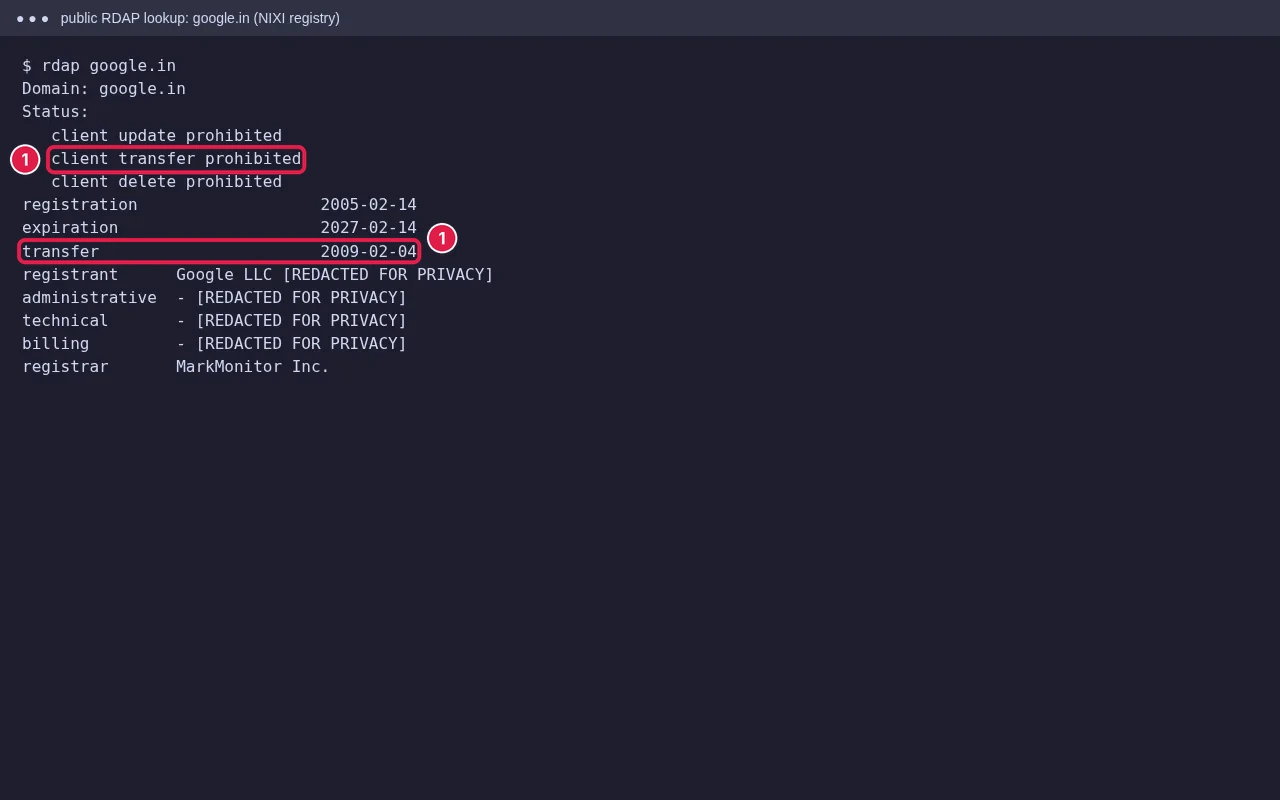
- 60-day rule: for .com and other gTLDs, ICANN policy lets a registrar refuse a transfer within 60 days of registration or a previous transfer. Check the dates in a lookup.
- Not expired: renew first if it is close to expiry or in its grace period. A transfer usually adds a year to a .com.
- Registrant email works: approval or notification emails go to it. Update it at the current registrar if it’s old.
- Know your nameservers: note them before you start, so DNS and email don’t break.
Step 2: Unlock and get the EPP code
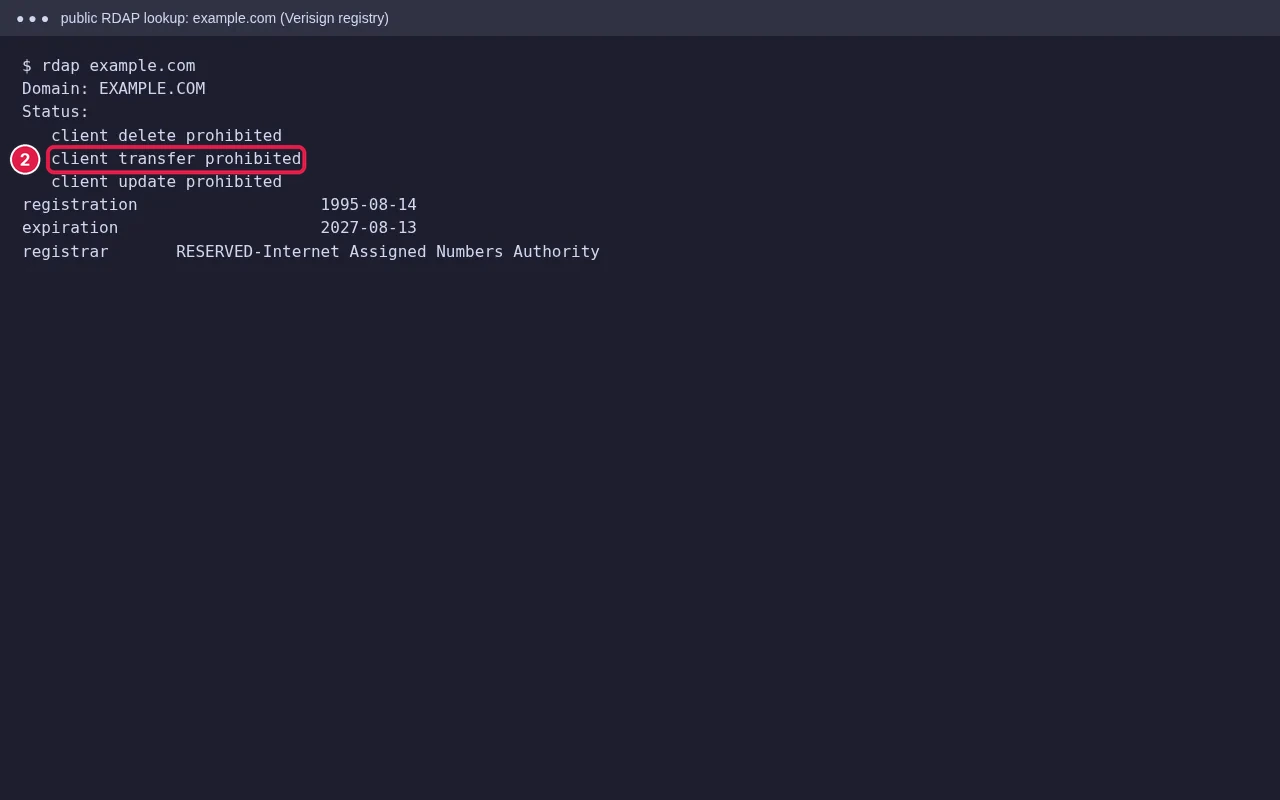
In your current registrar or hosting client area, open the domain and turn off Registrar Lock / Transfer Lock, then use Get EPP Code (some send it by email). A lookup should then no longer show client transfer prohibited; it can take a little while to update. Copy the code exactly: it is case-sensitive and often includes symbols.
Step 3: Start the transfer at the new registrar
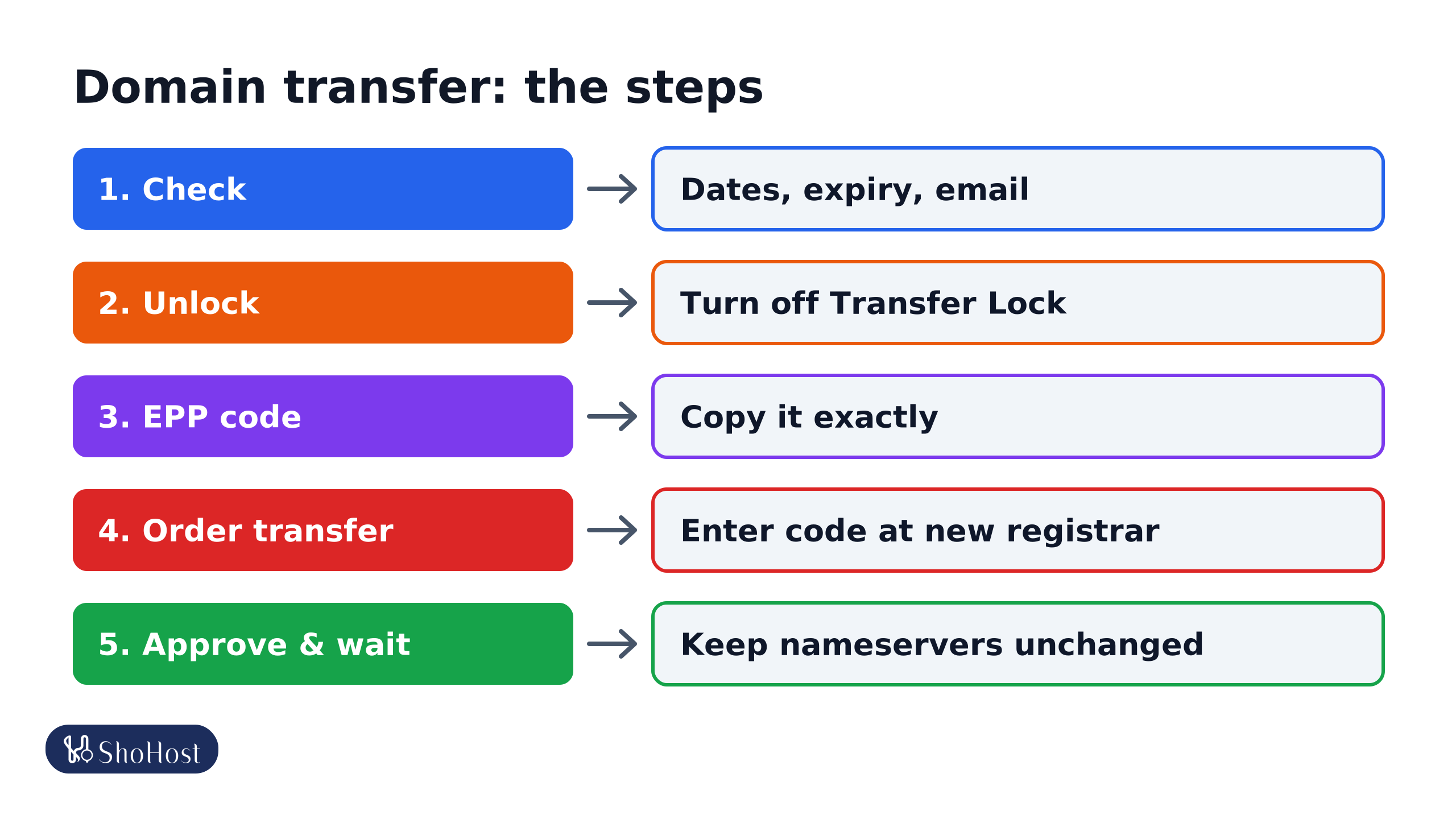
- Order a domain transfer at the new registrar and enter the EPP code.
- Pay for the transfer (for .com it includes a one-year renewal).
- Approve any email you receive from the old or new registrar. For .com, the transfer completes automatically after the waiting period if nobody rejects it; approving speeds it up where the registrar offers that.
- Wait. A .com transfer usually completes within about five days. A .in transfer depends on the registry and registrars involved. Keep the nameservers unchanged while you wait.
If the transfer fails
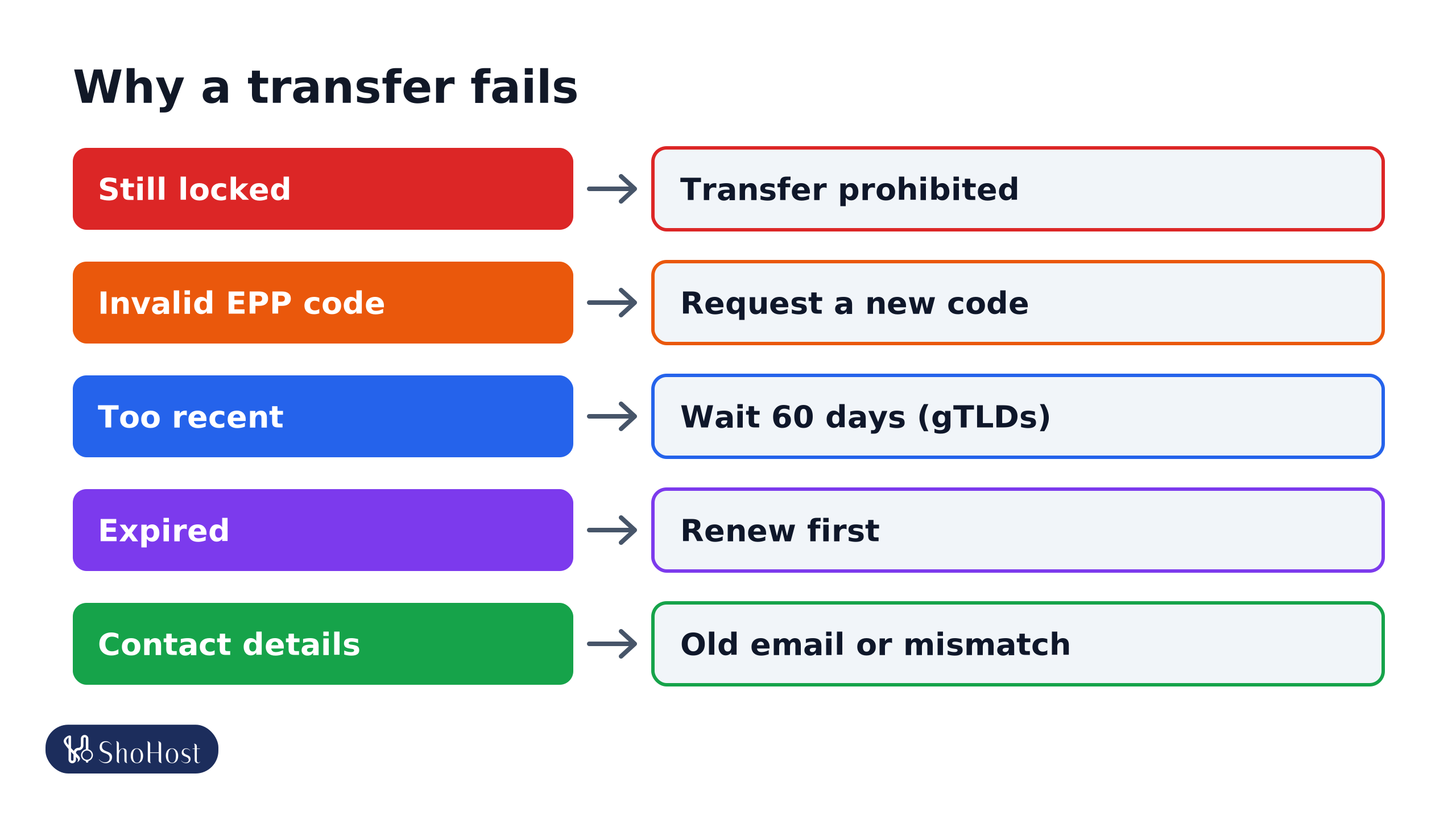
- Invalid auth code: a typo or an old code. Request a fresh code; older ones may have been reset.
- Domain locked: client transfer prohibited still shows in a lookup. The lock was still on, or the domain has a server lock that only the registry or registrar can remove.
- Within 60 days of registration or a transfer (gTLDs): wait.
- Expired: renew first at the current registrar.
- Contact details: an old registrant email, or details that don’t match. For .in, registrant details must be accurate; mismatches can hold up a transfer. See our .in domain rules guide.
FAQ
Will my website go down during a transfer?
Not if nameservers stay the same. A transfer changes who manages the domain, not where it points.
Where do I find the EPP code?
In your current registrar’s or host’s client area, on the domain’s page. Some registrars only email it to the registrant contact.
Can I transfer a domain that expired?
Renew it first at the current registrar. Expired domains in redemption usually can’t be transferred until restored.
Transfer held up by a lock or an EPP code? If your domain is with ShoHost, message +91 94880 91432 on WhatsApp and we’ll check the lock, dates and code with you.