MySQL “Too many connections” and “Server has gone away” on Shared Hosting
Tested on 12 October 2026 in a ShoHost sandbox with MariaDB 11.8 and PHP 8.4. We reproduced each error with a test database user: a PHP script that sat idle past a short wait_timeout, and a user limited to two connections at once.
Two database errors cause most sudden outages on shared hosting: MySQL server has gone away (error 2006, or 2013 Lost connection) and Too many connections (1040, or 1226 max_user_connections). Both mean your site’s connection to the database was cut or refused. The data is fine; the fix is about how the site uses connections.
‘MySQL server has gone away’ (2006)
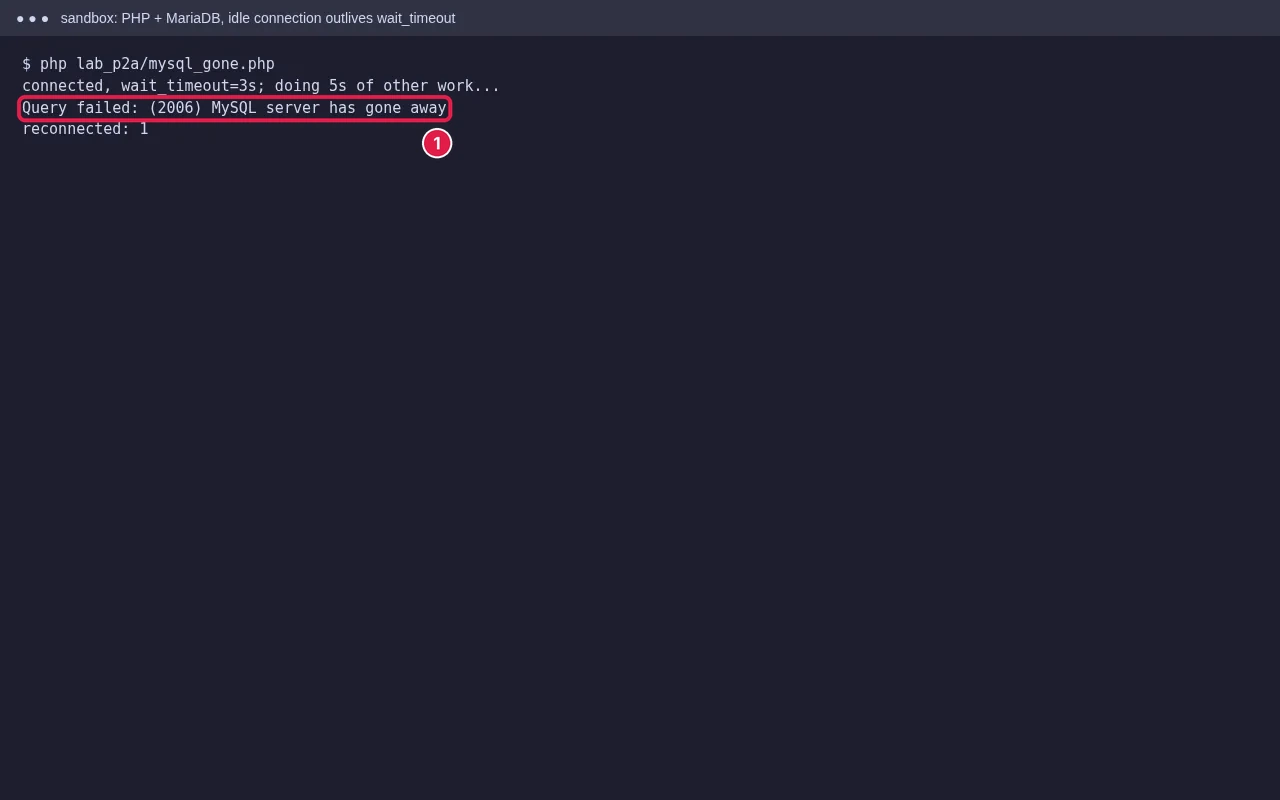
The server closed the connection, and the script only found out on its next query. Common causes:
- Idle too long: a script connects, then spends longer than the server’s
wait_timeouton other work (an API call, image processing, a slow loop) before querying again. That is what our test shows. - Packet too large: a query or imported row is bigger than
max_allowed_packet, so the server drops the connection. Common when importing a dump with hugeINSERTlines or large BLOBs. - Query killed: some hosts stop queries that run too long, to protect other users.
- Server restart: the database service restarted during the request.
Fixes
- For long-running scripts and cron jobs, reconnect (or ping and reconnect) before querying after slow work, and close the connection when done.
- For imports, export again with smaller insert statements, for example
mysqldump --net-buffer-length=16384, or import from cPanel’s Backup page or Terminal (see our phpMyAdmin errors guide). - Speed up slow queries: add indexes, and clean up big tables such as WordPress
wp_optionsautoload data or old log tables. - If it happens at random times across sites, ask your host whether the database service restarted or killed queries.
‘Too many connections’ (1040 / 1226)
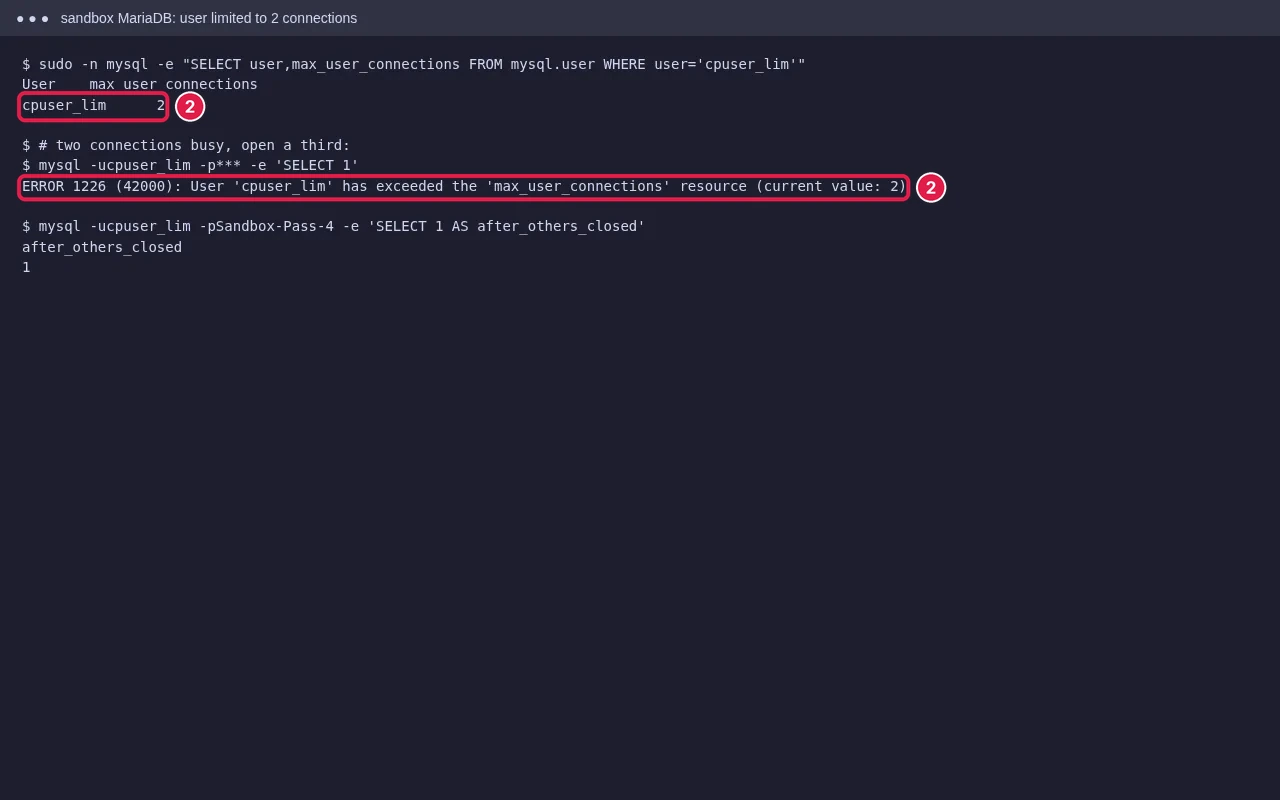
1040 means the whole database server reached its connection limit. 1226 means your database user reached its own limit (max_user_connections), which is the one you normally see on shared hosting. Each PHP request holds a connection while it runs, so many slow requests at once use them up.
Fixes
- Find the traffic: check cPanel Metrics → Visitors or Raw Access for bots or attacks hitting search, login or
xmlrpc.phppages. Blocking them often fixes it straight away. - Turn on page caching (for WordPress, LiteSpeed Cache on LiteSpeed servers) so most visits don’t touch the database.
- Don’t use persistent connections (
mysqliwithp:, orPDO::ATTR_PERSISTENT) on shared hosting; they hold connections open. - Fix slow queries, because a request that finishes faster frees its connection sooner.
- If real traffic keeps hitting the limit, you need a plan with more resources.
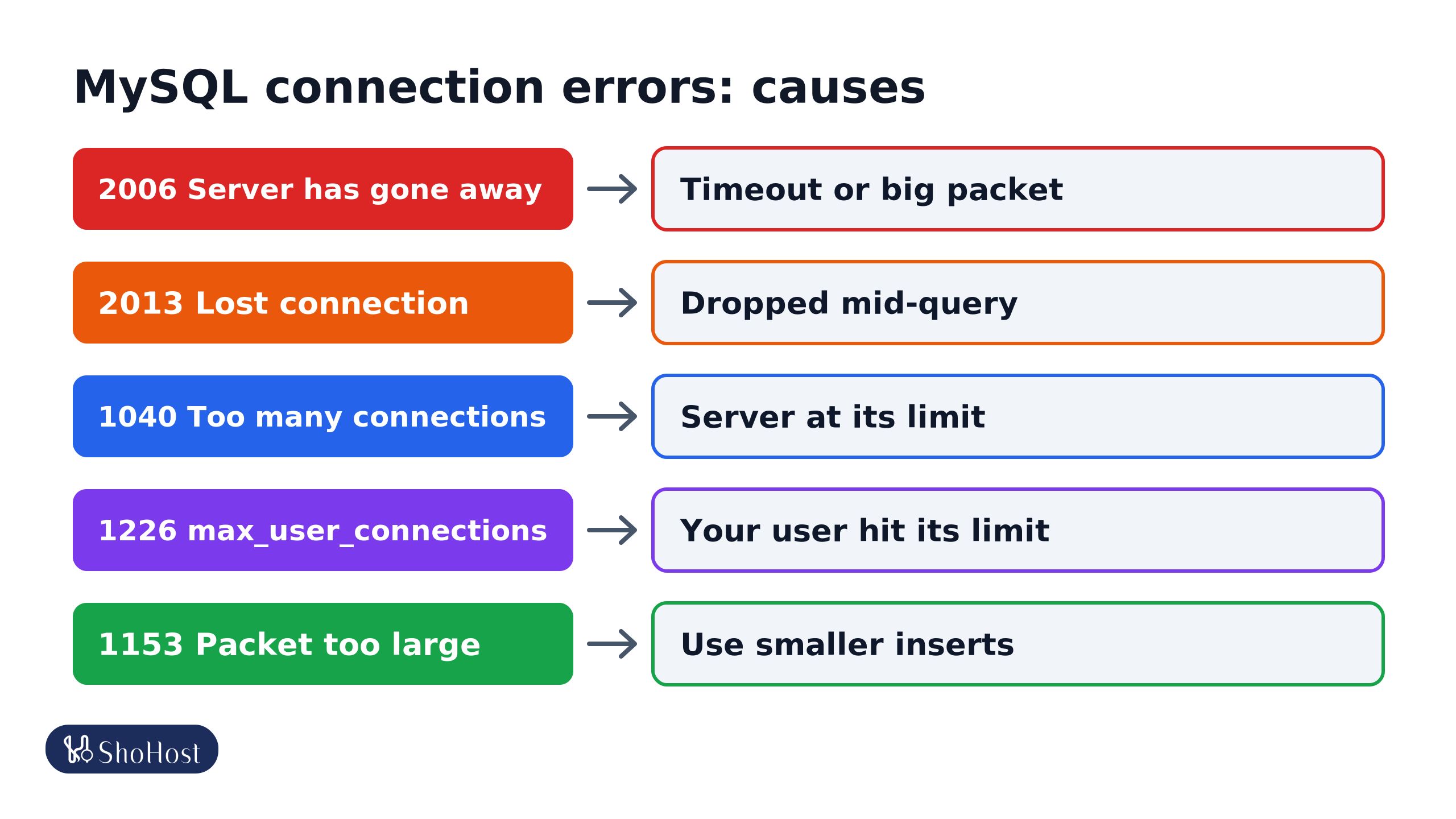
- 2006 Server has gone away: the connection was closed. It sat idle past
wait_timeout, a packet went overmax_allowed_packet, the query was killed, or the server restarted. - 2013 Lost connection: the connection dropped during a query because a long query was killed, or there was a network problem or server restart.
- 1040 Too many connections: the whole database server is at its limit. Usually a host-side issue.
- 1226 max_user_connections: your database user hit its own limit, from slow requests, bots or persistent connections.
- 1153 Packet too large: one statement is bigger than
max_allowed_packet. Re-export with smaller inserts.
Check what your limits are
Run these in phpMyAdmin’s SQL tab to see the values your server uses:
SHOW VARIABLES LIKE 'wait_timeout';
SHOW VARIABLES LIKE 'max_allowed_packet';
SHOW VARIABLES LIKE 'max_user_connections';
On shared hosting you can’t change these yourself. If a value is too low for a legitimate need, ask your host.
FAQ
Does ‘server has gone away’ mean my database is corrupted?
No. It is a connection problem. Your tables are usually fine; reconnect and fix the cause.
Why does it happen only during imports?
Most likely a single statement in the dump is larger than max_allowed_packet. Export again with smaller inserts, or ask your host to import it.
Will a caching plugin help with too many connections?
Usually, yes. Cached pages are served without a database query, so far fewer connections are open at once.
Database still dropping connections? ShoHost customers can reach support on WhatsApp at +91 94880 91432, and we’ll check the logs and limits with you.