Mail Delivery Failed: Read a Bounce Message and Fix It
Written and checked on 12 October 2026. The sandbox can’t send mail to outside servers, so the bounce message shown is a simulated example in the standard Exim format that cPanel servers use. The MX lookups are real public DNS answers.
A Mail delivery failed: returning message to sender email (also called a bounce or NDR) looks alarming, but it tells you exactly why your message wasn’t delivered. You only need to find three lines in it.
Step 1: Find the three important lines
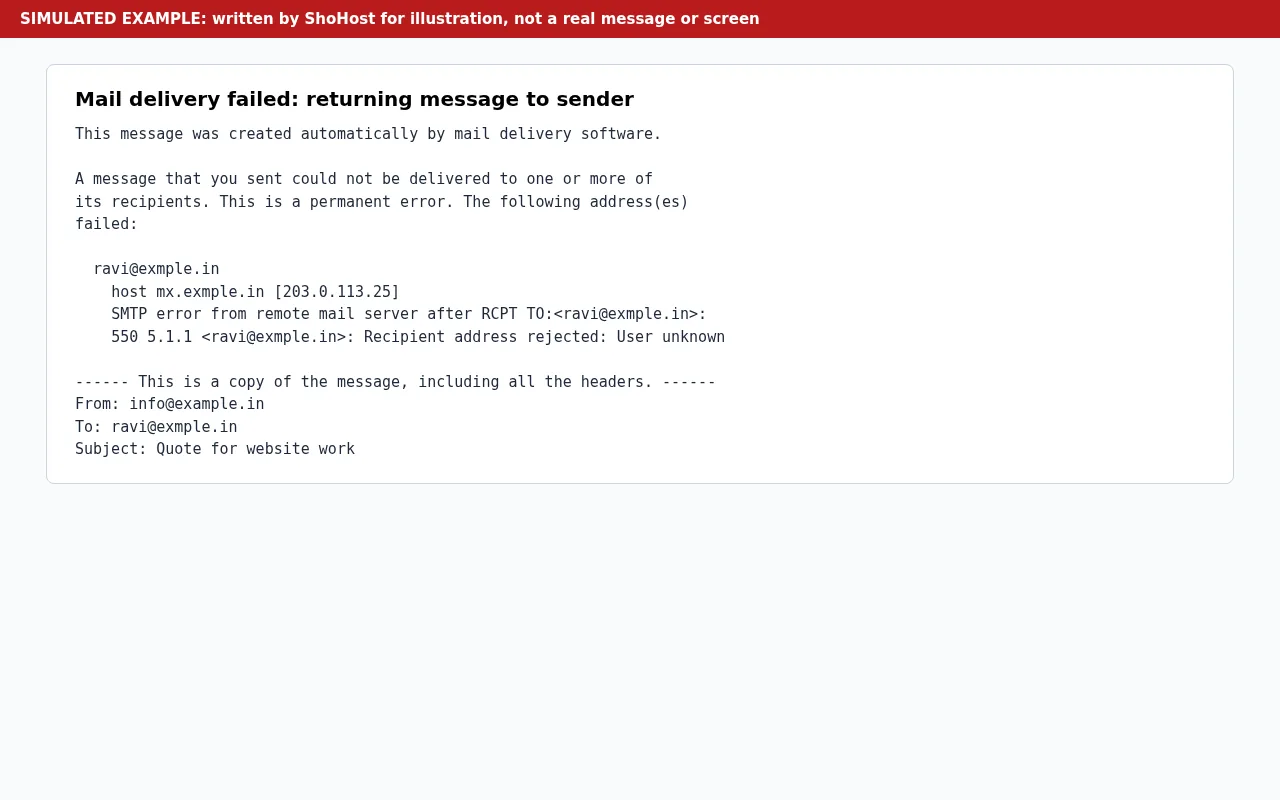
A typical bounce arrives as Mail delivery failed: returning message to sender and says a message you sent “could not be delivered to one or more of its recipients. This is a permanent error.” Under that come the three lines that matter:
- The failed address. Check it for typos first:
exmple.ininstead ofexample.in,gmial.com, a missing letter. In our example it’sravi@exmple.in. - The server that answered (
host … [IP], herehost mx.exmple.in [203.0.113.25]). If it is the recipient’s server, they rejected it. If there is no remote host, your own server couldn’t find where to send it. - The SMTP code and text, such as
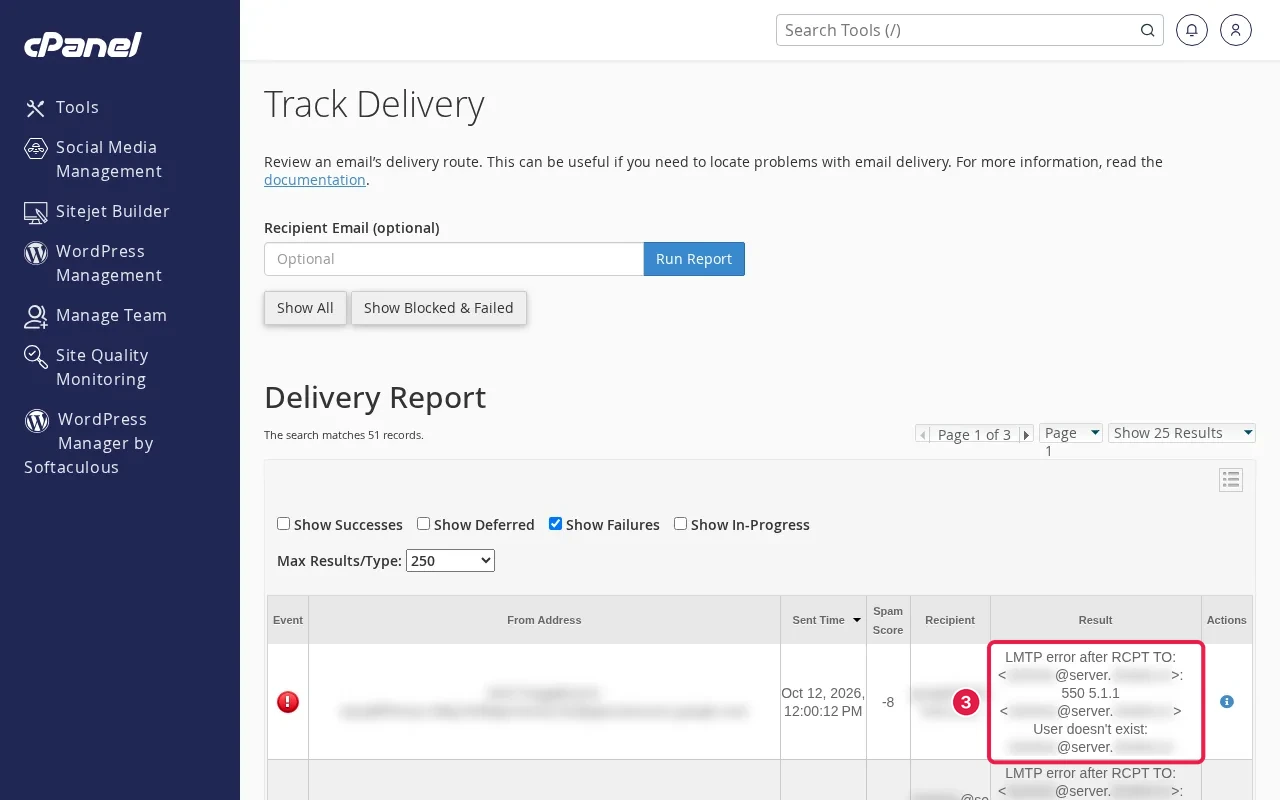
550 5.1.1 <ravi@exmple.in>: Recipient address rejected: User unknown. That is the reason.
Step 2: Read the code
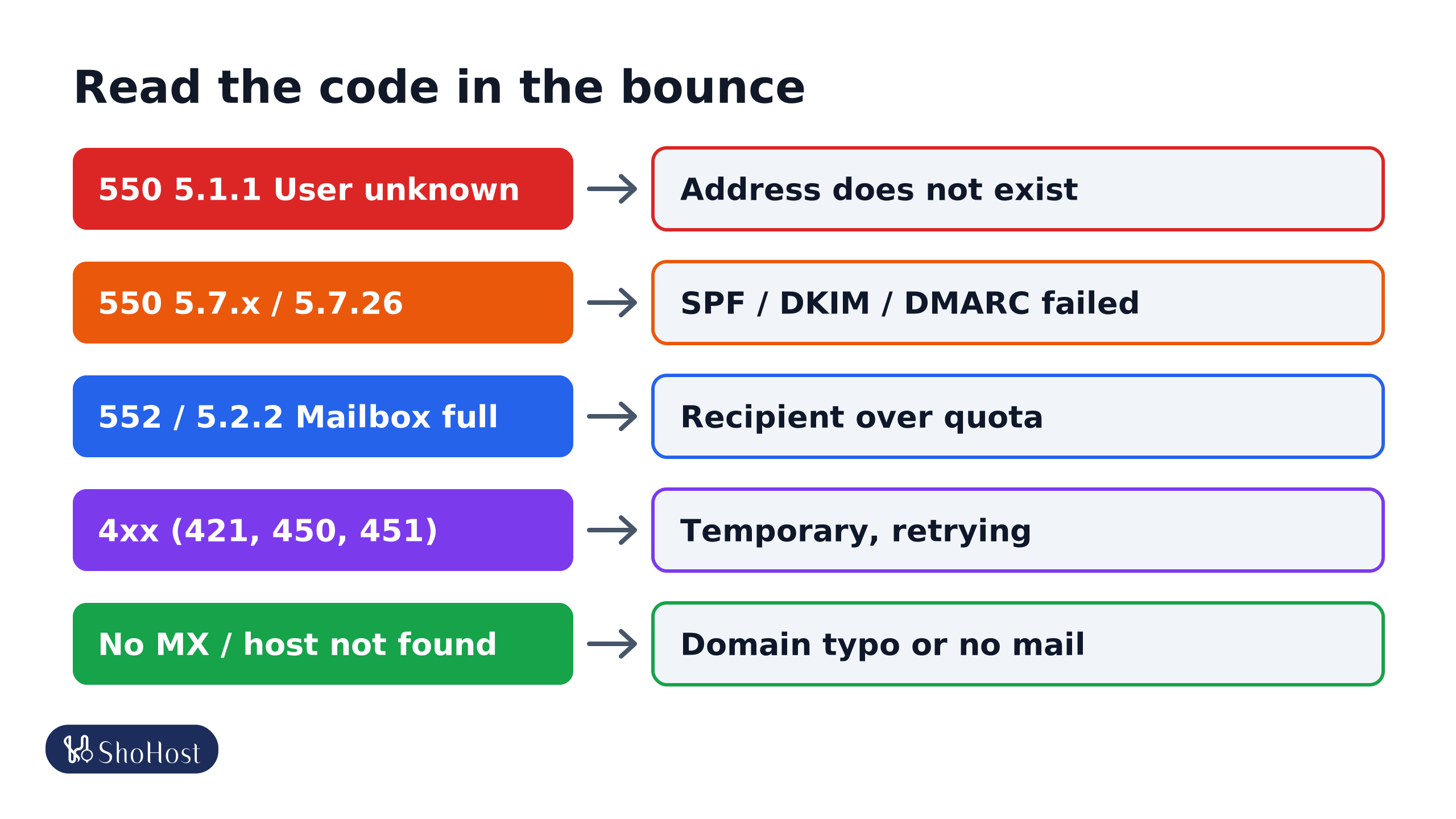
5.1.1 / User unknown / No such user
The address doesn’t exist on that server. Fix the spelling or ask the person for their correct address. Old staff addresses at other companies are a common cause.
5.7.x / rejected for policy reasons
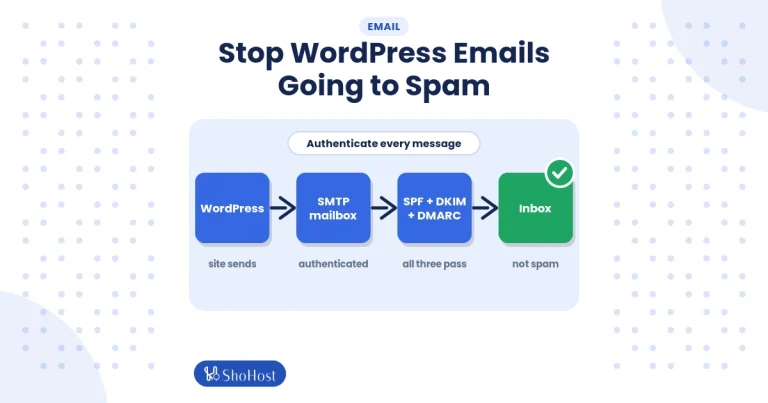
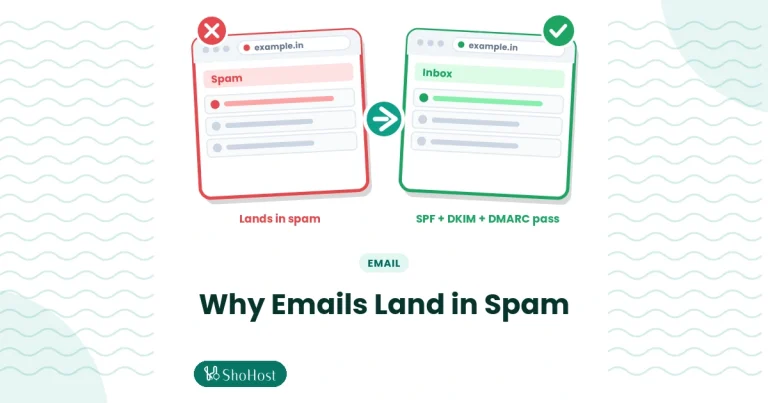
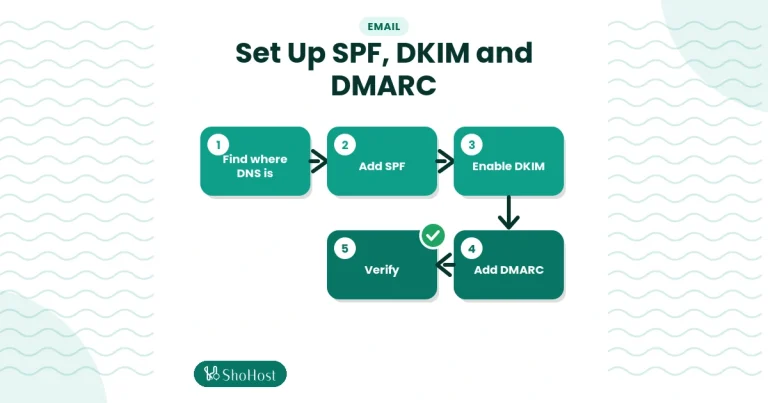
The receiver didn’t trust your message. Gmail uses codes like 5.7.26 when SPF, DKIM or DMARC fail. Check your records with our SPF, DKIM and DMARC guide. If the bounce mentions a blocklist (for example Spamhaus), send it to your host so they can check the server’s IP.
5.2.2 / 552 / mailbox full
The recipient is over quota. Nothing to fix on your side; tell them another way, or try later. If the bounce is about your mailbox, see our mailbox full guide.
4xx codes and ‘delayed’ warnings
Codes starting with 4 (421, 450, 451) are temporary. Your server keeps retrying, often for days, and only sends a final bounce if it keeps failing. A Warning: message still undelivered notice isn’t a final failure.
Host or domain not found
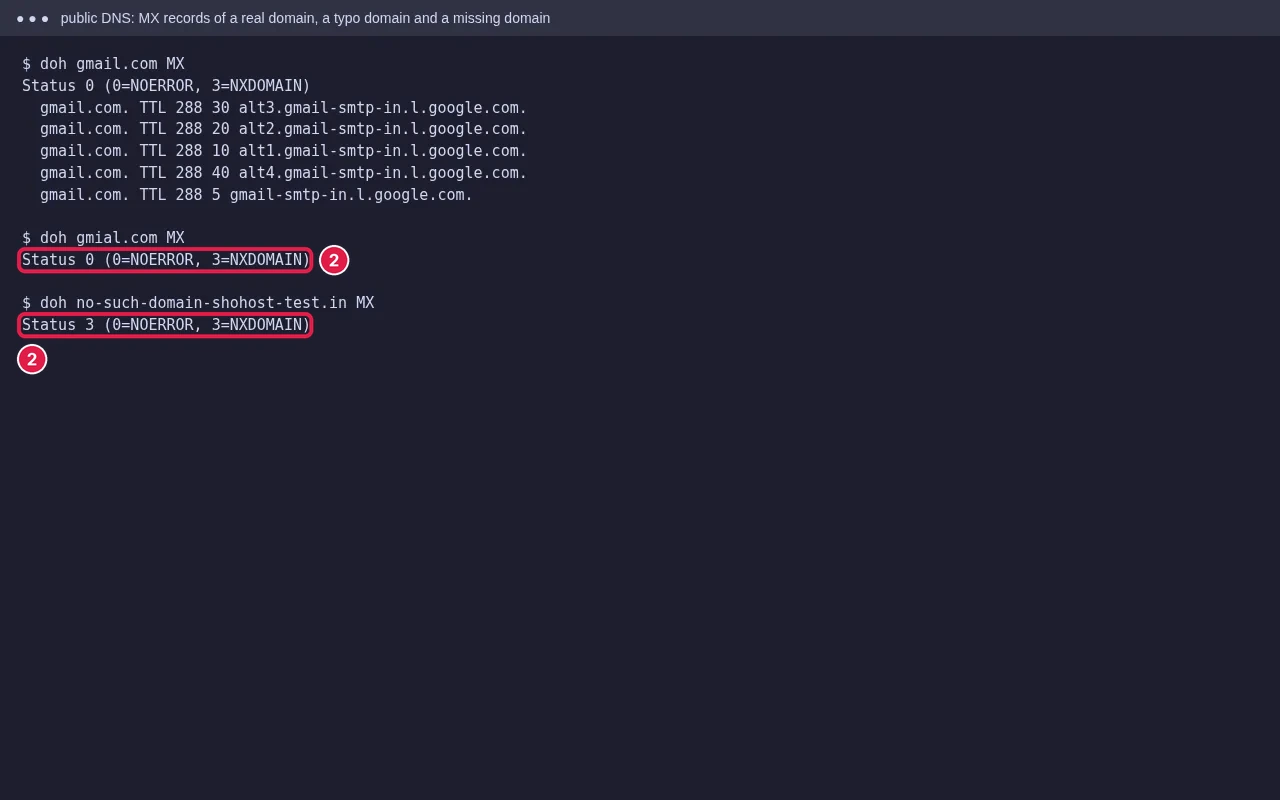
The recipient’s domain has no MX record or doesn’t exist, which is usually a typo in the domain. If it’s your own domain, check its MX records in Zone Editor.
Step 3: Check cPanel’s delivery report
In cPanel open Email → Track Delivery. Search for the recipient address to see each attempt, the result, and the full error from the remote server, even if you deleted the bounce.
Bounces for mail you never sent
If you get bounces for messages you didn’t send, someone is probably forging your address (backscatter). Publish SPF, DKIM and a DMARC policy so receivers reject the fakes. If Track Delivery shows the mail really left your server, change your email passwords at once and tell your host, as an account may be compromised.
FAQ
Should I resend after a bounce?
Only after fixing the cause. Resending to a 5.1.1 address will bounce again. For 4xx delays, the server already retries for you.
Why did it bounce when the address works for others?
The receiver may accept others’ mail but reject yours for authentication, reputation or a blocklist. The 5.7 code and text will say which.
Can a large attachment cause a bounce?
Yes. Servers often reject messages over a size limit with a 552 code mentioning message size. Share big files with a link instead.
Got a bounce you can’t make sense of? If your email is on ShoHost, send it to us on WhatsApp at +91 94880 91432 and we’ll read it alongside Track Delivery with you.