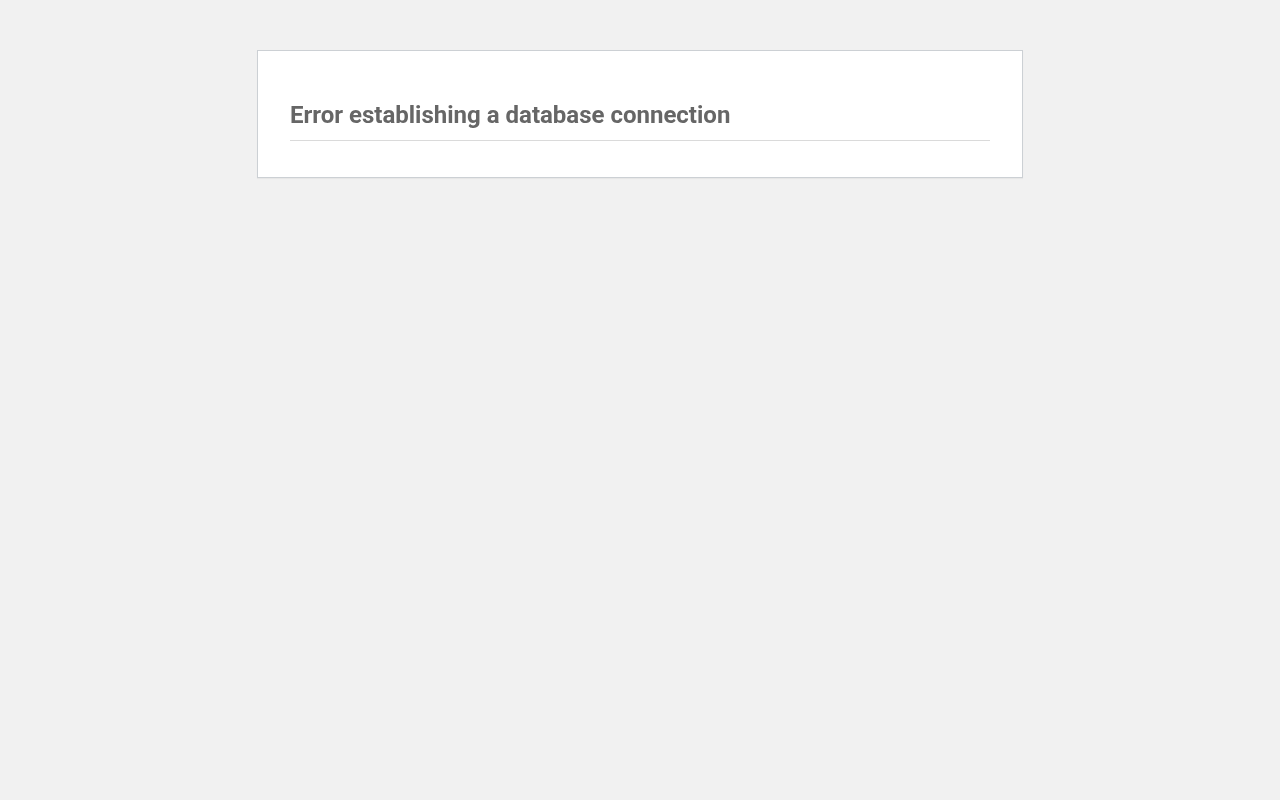
How to Fix “Error Establishing a Database Connection” in WordPress
Tested in the ShoHost fix lab on 12 October 2026: WordPress 7.1.3, PHP 8.4, Apache with MariaDB 11.8. Every screenshot below is from that lab, not from a customer site.
This message means WordPress couldn’t log in to its MySQL/MariaDB database. There are three common causes: wrong details in wp-config.php (often right after a migration or a password change), the database server being down, or a damaged database.
Step 1: Check the four database settings in wp-config.php
In cPanel File Manager, open public_html/wp-config.php and find DB_NAME, DB_USER, DB_PASSWORD and DB_HOST. On cPanel, DB_HOST is usually localhost, and database and user names start with your cPanel username plus an underscore.
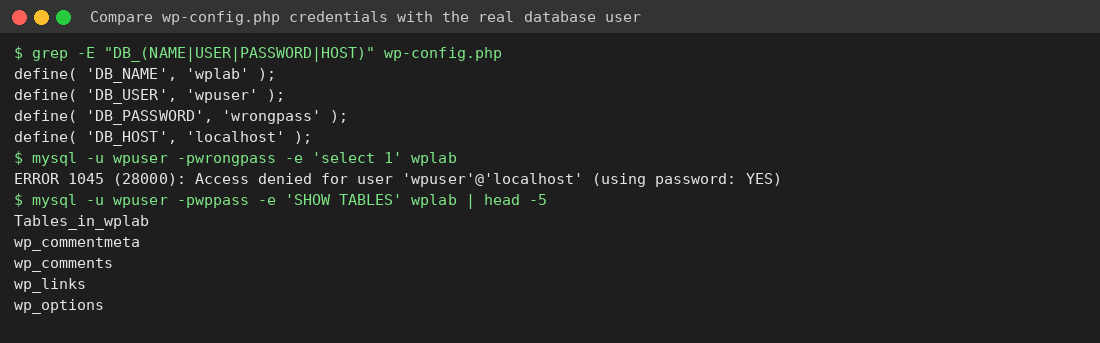
Step 2: Compare them with cPanel
- Open cPanel → Databases → MySQL Databases. Confirm the database exists and that the user appears under Current Databases with ALL PRIVILEGES.
- If you aren’t sure of the password, set a new one for that user under Current Users → Change Password, then paste it into
DB_PASSWORD. - Open phpMyAdmin and check that the tables are there and that their prefix matches
$table_prefixin wp-config.php.

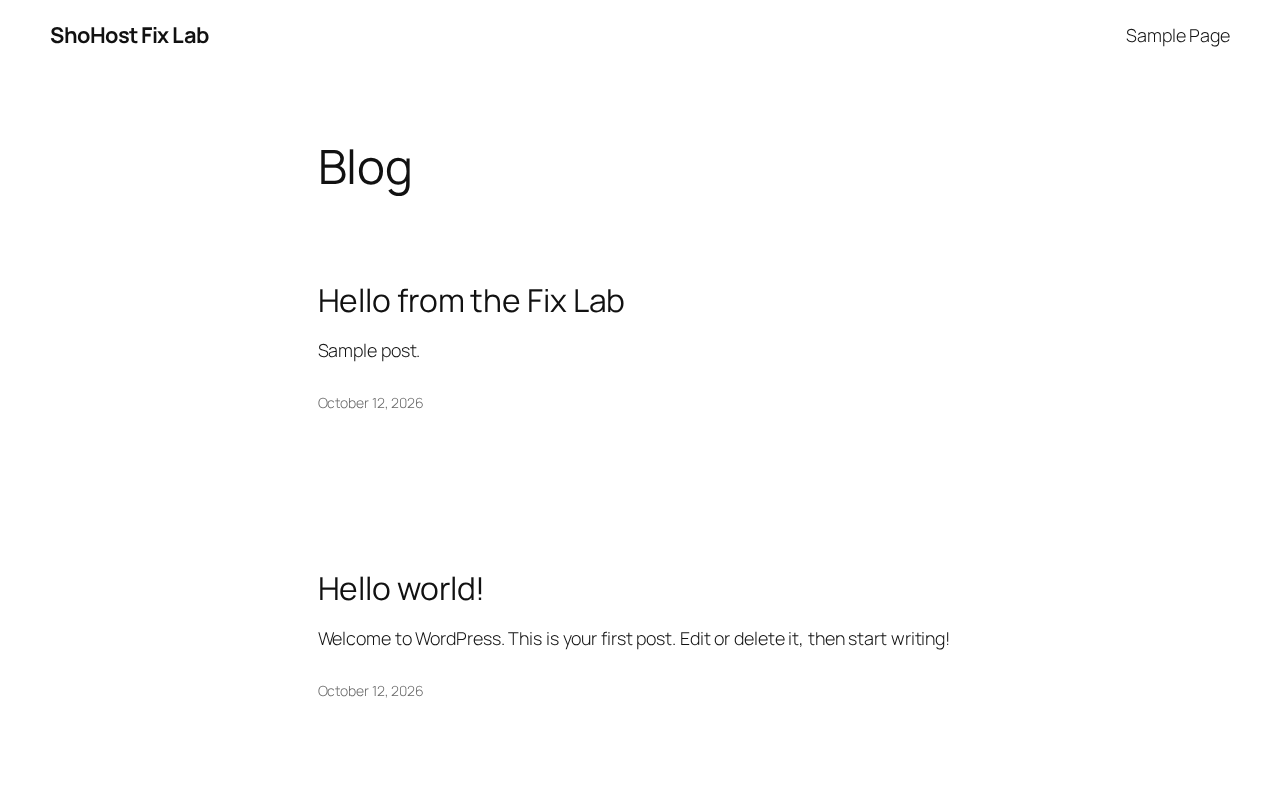
Step 3: If the details are right, check the database server
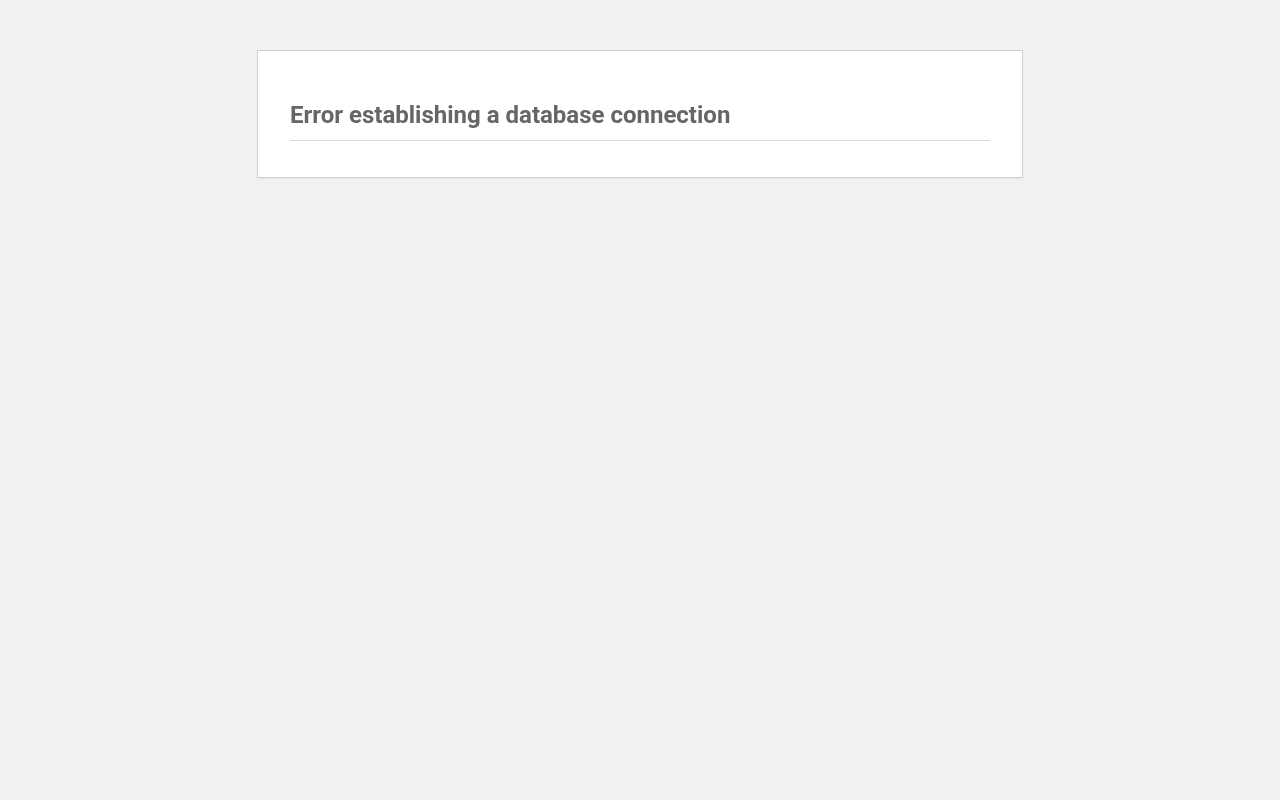
We stopped the database service in the lab. WordPress showed exactly the same message, so a correct wp-config.php doesn’t mean the problem is on your side. On shared hosting you can’t restart MySQL yourself. Contact your host and include the time the error started.
Rarely: a corrupted database
If wp-admin says one or more tables need repair, add define('WP_ALLOW_REPAIR', true); to wp-config.php, visit /wp-admin/maint/repair.php, then remove the line. Back up the database in phpMyAdmin (Export) before you repair anything.
Need a hand?
Want someone to do this for you? If your site is on ShoHost, message our support team on WhatsApp at +91 94880 91432 or email [email protected] and we’ll look at the error log with you. Hosting somewhere else and tired of errors like this one? ShoHost WordPress hosting runs on LiteSpeed servers with NVMe storage and free SSL, and includes free migration.