503 Service Unavailable on Shared Hosting: Causes and Fixes
Tested in a ShoHost sandbox on 12 October 2026: Apache 2.4.68 and PHP 8.4 on Debian, captured with headless Chrome. We sent PHP requests to a PHP-FPM socket that wasn’t running, which is what happens when a site’s PHP pool crashes or is full. Every screenshot below is from that sandbox, not from a customer site.
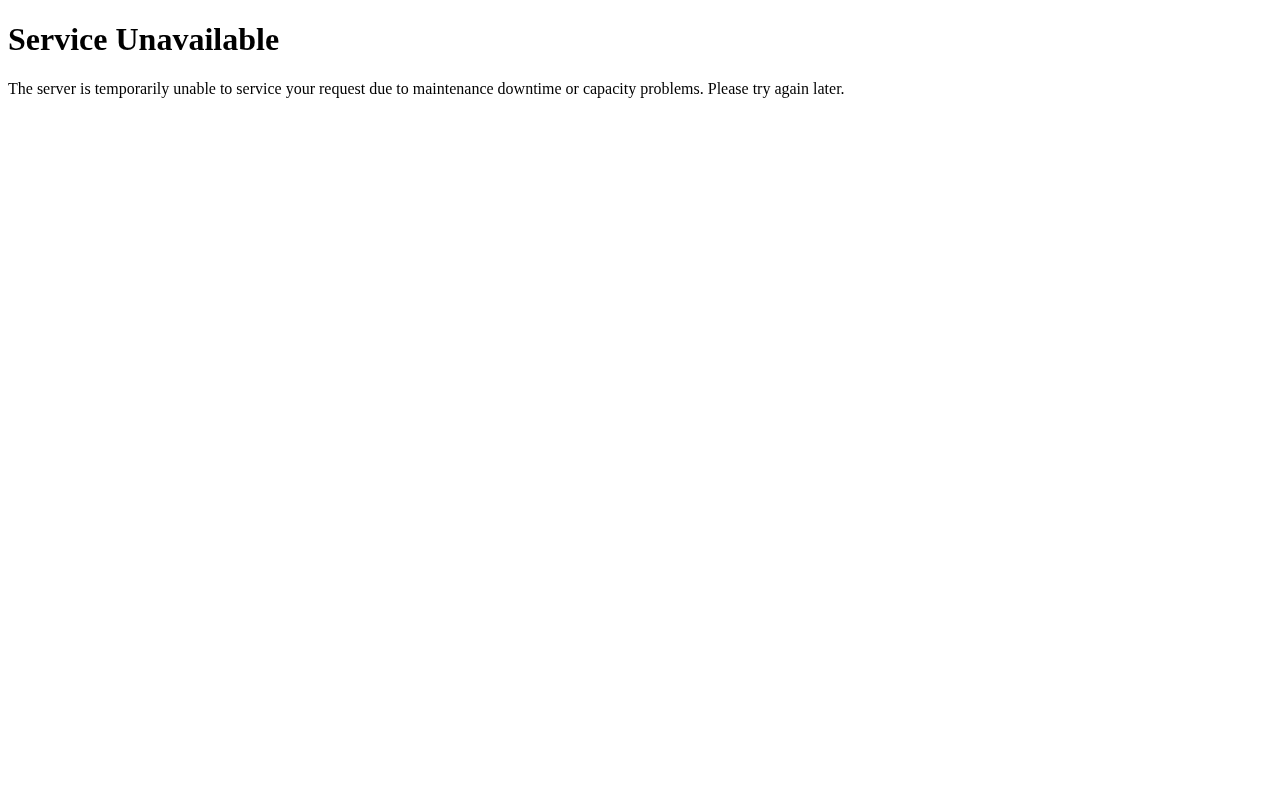
503 Service Unavailable means the web server is up, but whatever is supposed to build the page (PHP, an app, or the server behind a CDN) can’t answer right now. On shared hosting it’s usually temporary, but if it keeps coming back there’s a cause you can find.
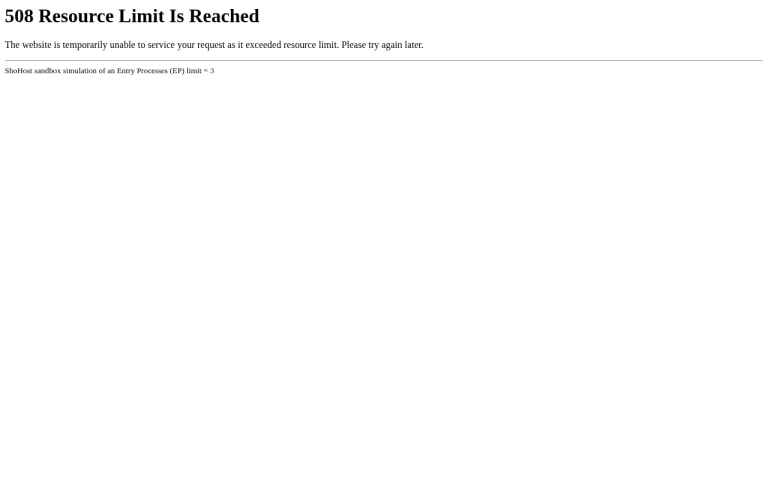
What it looks like
Step 1: Check whether it’s only your site
Open another site on the same hosting account, or a static file such as /robots.txt. If static files load but PHP pages give 503, the problem is PHP. If nothing loads and other sites on the server are down too, check your host’s status page or contact support. You can’t fix that one from your account.
Step 2: Read the error log
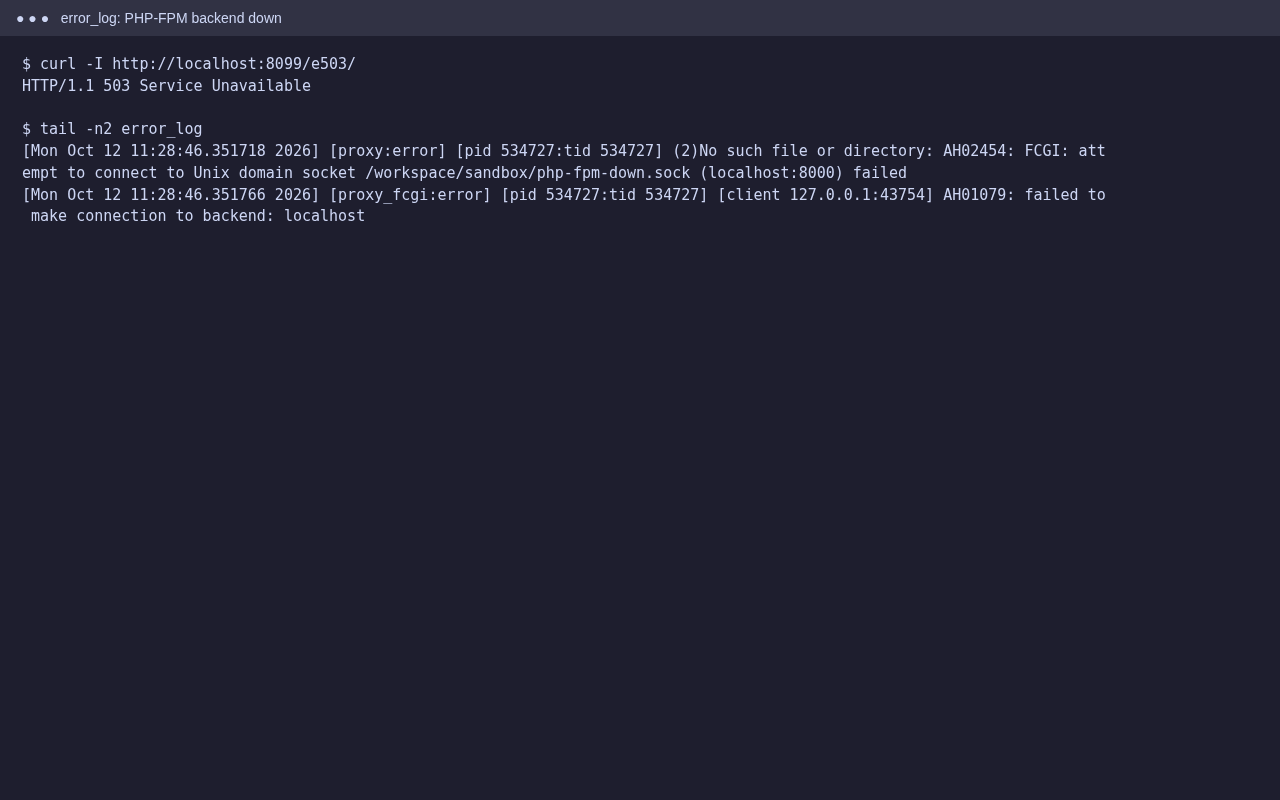
In cPanel open Metrics → Errors. In our test, Apache logged AH01079: failed to make connection to backend because the PHP-FPM pool wasn’t running. On a real server the same thing happens when the pool has crashed or every PHP worker is busy.
Step 3: Fix the cause
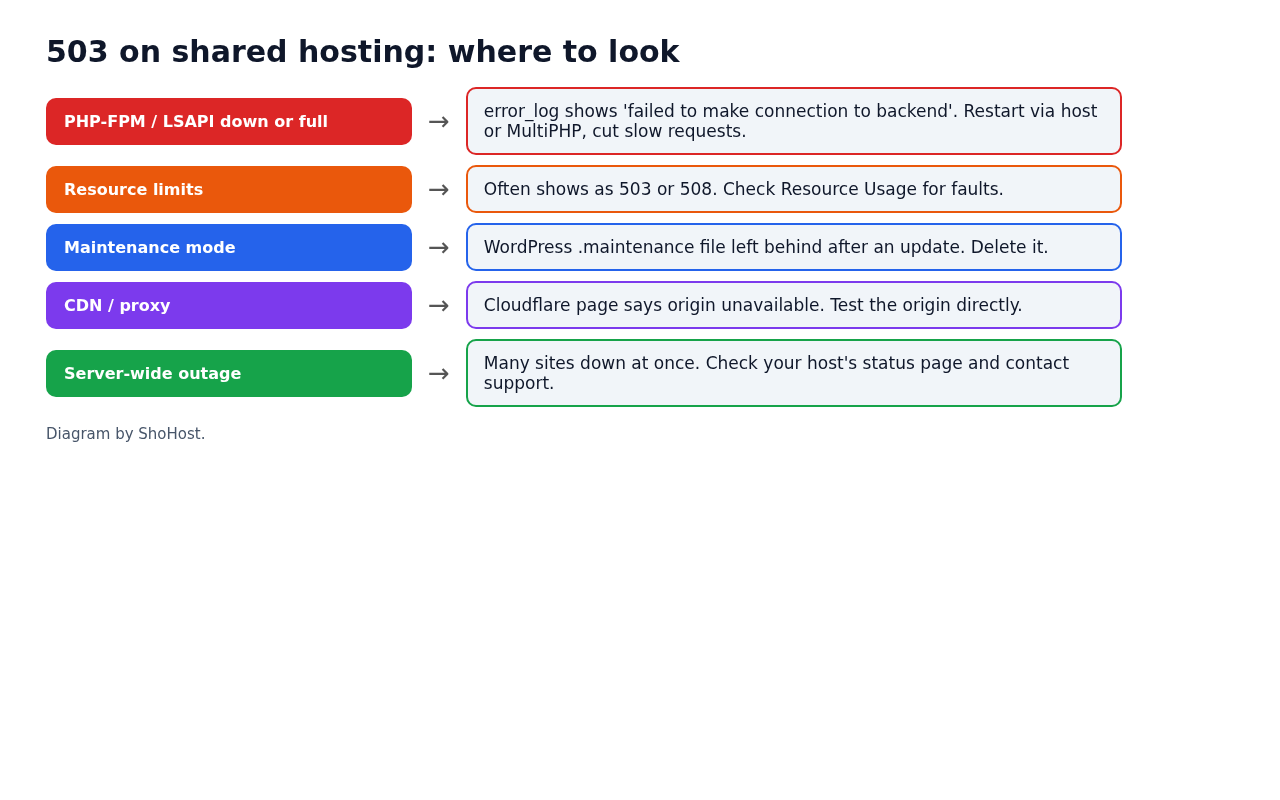
PHP-FPM or LSAPI stopped or full
- In MultiPHP Manager, switch the domain to a different PHP version and then back. On many servers this restarts the pool for that domain. If it doesn’t help, ask your host to restart it.
- Find slow requests: long imports, backup plugins or external API calls can keep every worker busy. Run them less often or move them to cron.
Resource limits
Check Metrics → Resource Usage for faults. Memory or process limits can show up as 503 as well as 508. See our 508 guide.
Stuck maintenance mode (WordPress)
If the page says Briefly unavailable for scheduled maintenance, delete the .maintenance file in the WordPress root.
CDN or proxy in front
If the 503 page has your CDN’s branding, the CDN couldn’t reach your server. Test your server directly (for example by pointing your computer’s hosts file at the server IP) to see whether the problem is the server or the CDN.
FAQ
Does a 503 hurt SEO?
A short 503 is how servers are meant to say “come back later”, and search engines treat it as temporary. If it lasts for days, pages can drop out of the index.
Why does it happen only at certain times?
That usually points to load: a cron job, a backup or a bot crawl at the same time every day. Compare the times in Raw Access logs with when the errors appear.
Should I just reload?
For a one-off 503, yes. If it keeps happening, find the cause with the steps above.
Need a hand?
Want someone to do this for you? If your site is on ShoHost, message our support team on WhatsApp at +91 94880 91432 or email [email protected] and we’ll look at the logs with you. Hosting somewhere else and running into 503 errors often? ShoHost WordPress hosting runs on LiteSpeed servers with NVMe storage and free SSL, and includes free migration.