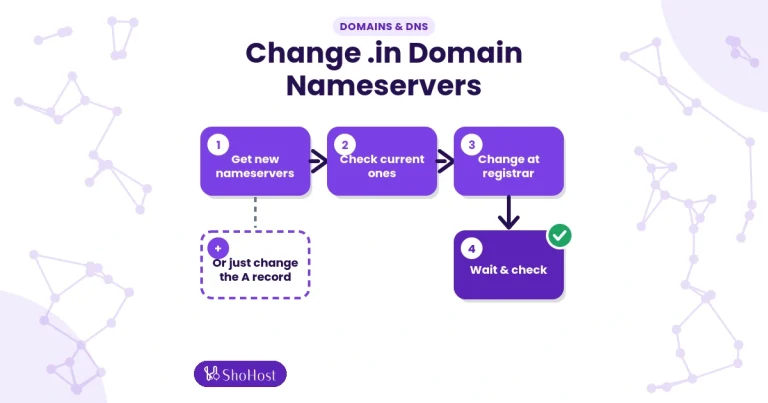
Point a Domain to Hosting with A Record vs Nameservers
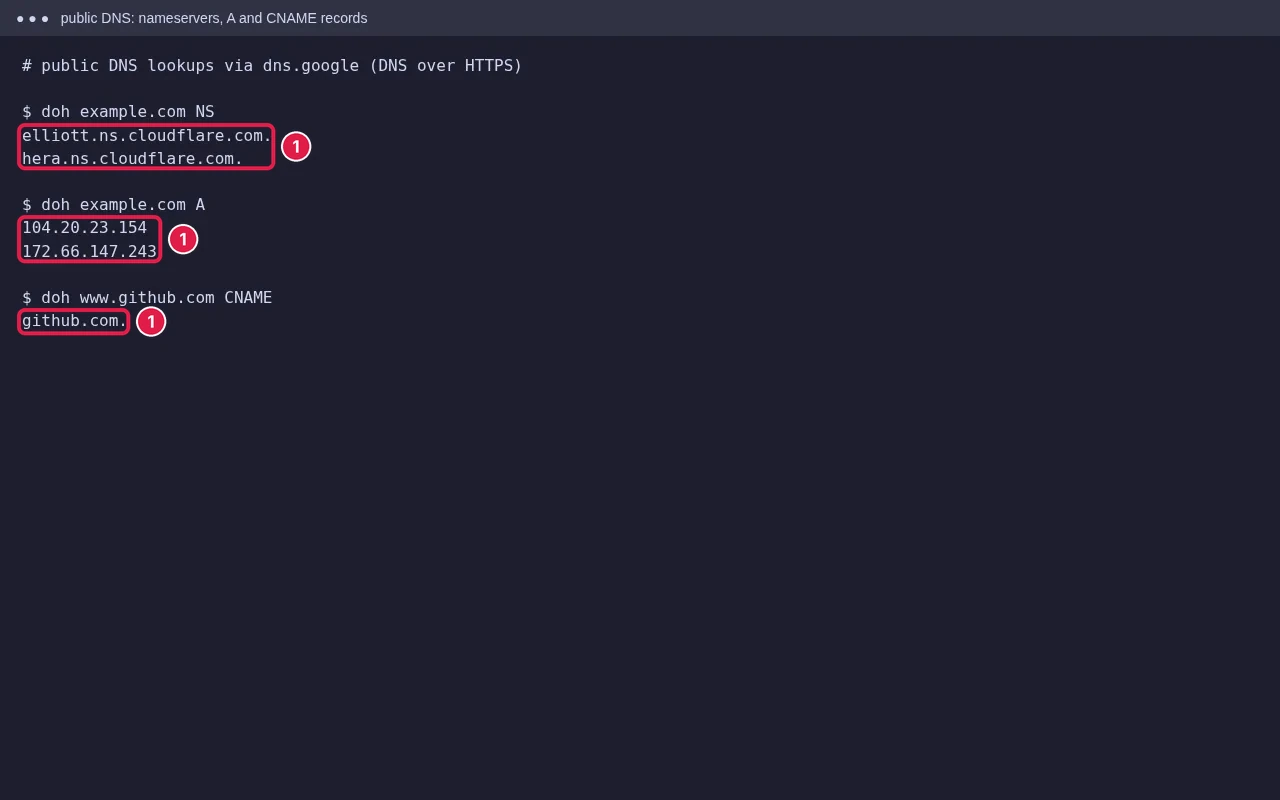
Checked on 12 October 2026 using public DNS lookups (Google’s DNS over HTTPS) for well-known domains.
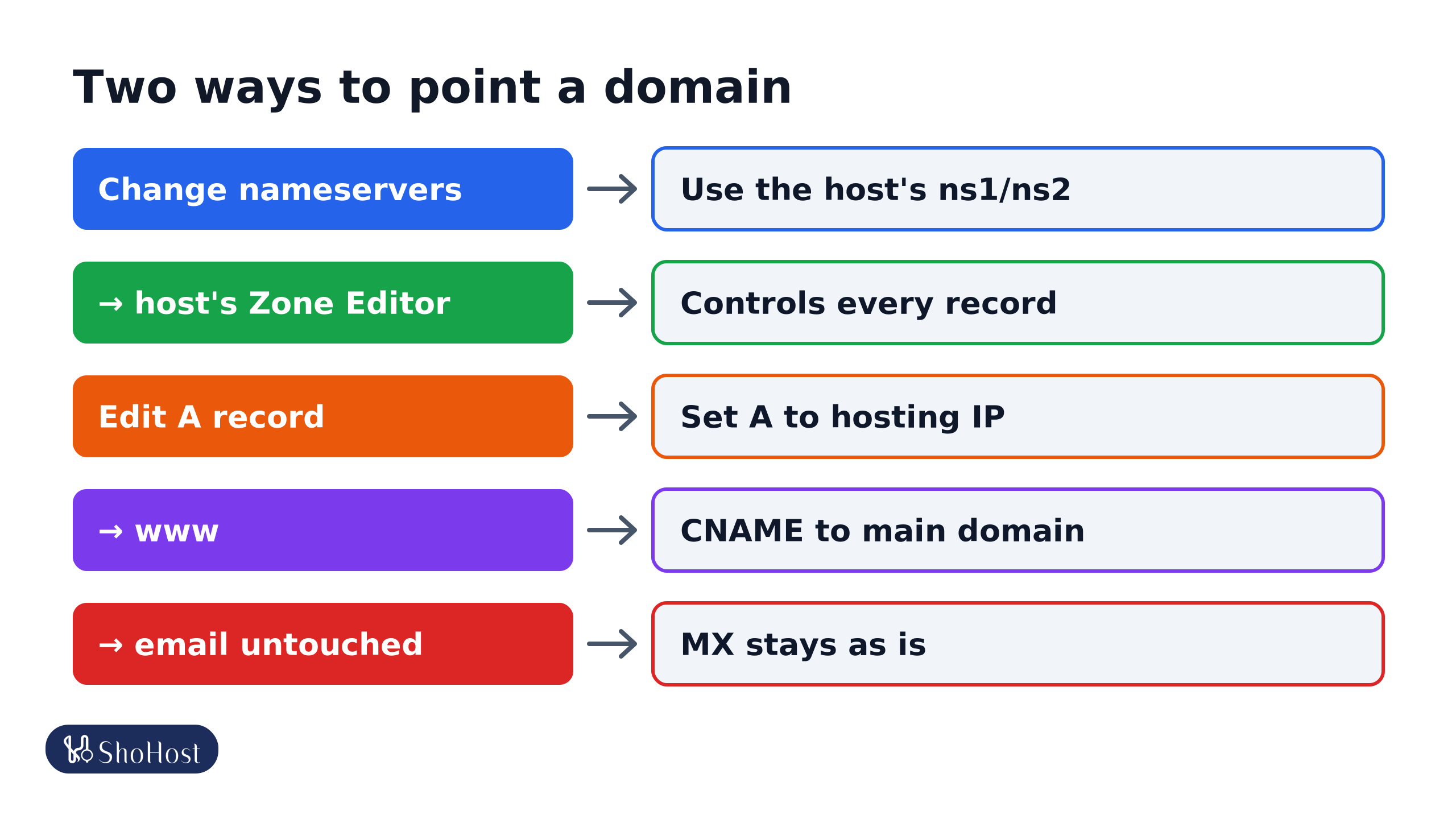
To make your domain open your hosting, you either change the nameservers to your host’s, or keep your current DNS and change the A record. Both work. The difference is who manages your DNS records afterwards, including email.
Option 1: Change the nameservers
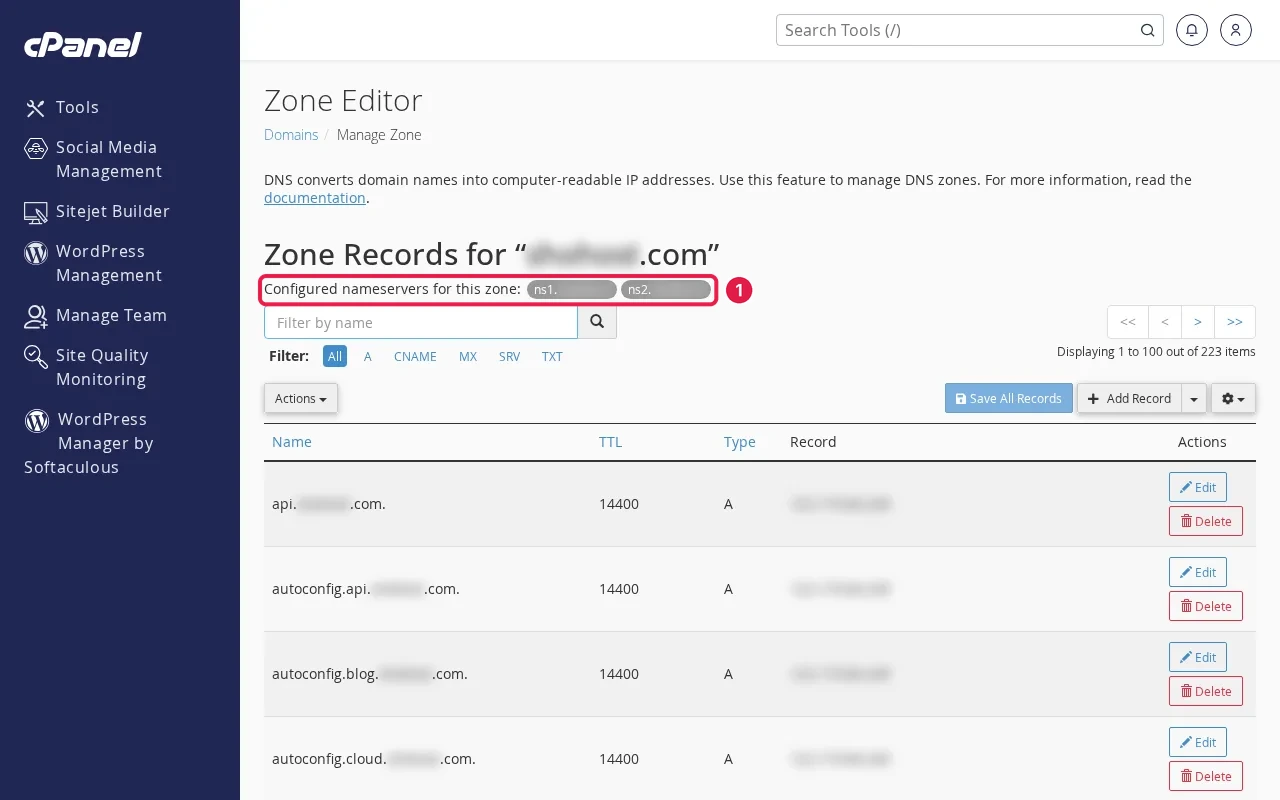
At your registrar, replace the nameservers with the ones your host gives (for example ns1. and ns2. names). Your host’s cPanel Zone Editor then controls every record: website, www, mail and SSL checks. See change nameservers for a .in domain.
- Easiest when the host runs your site and email.
- Any records you had at the old DNS provider (for example Google Workspace MX, or verification TXT records) must be added again in Zone Editor, or they stop working.
Option 2: Point A records
Keep DNS where it is (registrar, Cloudflare) and edit two records:
example.in.      A      203.0.113.10   (your hosting IP)
www.example.in. CNAME example.in.- Use the IP from cPanel’s General Information panel or your welcome email.
- For
www, use a CNAME to the main domain (as above) or another A record. - Leave MX and email records as they are, if email is elsewhere.
- On Cloudflare, see our redirect guide for the SSL mode.
Which should you choose?
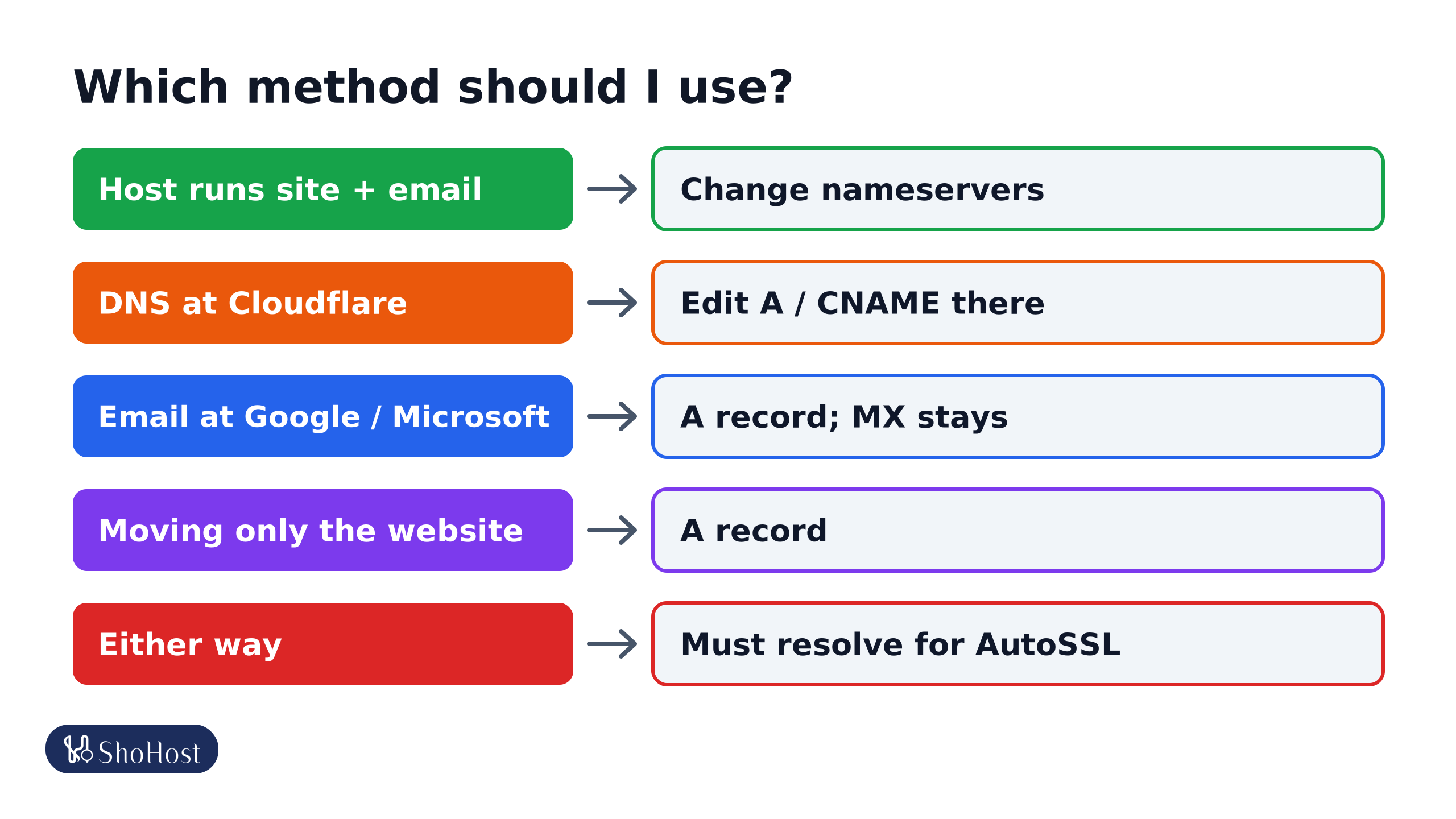
- Nameservers: you want the host to manage everything, including email on cPanel.
- A record: your DNS is at Cloudflare or another provider you like (edit the A and CNAME records there), email is at Google or Microsoft (an A record is simpler and MX stays put), or you only want to move the website.
- Either way, AutoSSL needs the domain (and
www) to resolve to the server before it can issue a certificate.
How long it takes
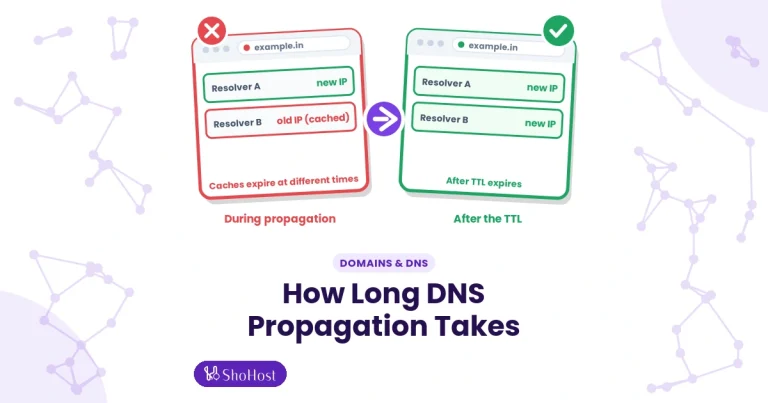
An A record change depends on its TTL, often minutes to a few hours. A nameserver change is cached longer at the top-level domain, so allow up to a day or two. See DNS propagation.
FAQ
Can I use both nameservers and A records?
Records only apply where the nameservers point. Edit A records at whichever provider your nameservers currently name.
Will changing nameservers break my email?
It can, if your mail records aren’t copied to the new DNS. Check MX, SPF and DKIM first.
What is a CNAME?
A record that points one name to another name instead of an IP, often used for www.
Not sure which records to change? If your site is on ShoHost, a quick WhatsApp to +91 94880 91432 gets your DNS records checked with you.